Loading...

Transform Figma frames into a Real App running on a local environment (Grocery App)
Transform Figma frames into a Real App running on a local environment (Grocery App)
Let's take Figma Frames of a Grocery App, and transform into a functional application that can run on a local environment

Methodology
Learning Highlights
- 1:19
Learn to structure user flows by mapping each step of the user journey to corresponding Figma frames, providing critical context for AI code generation at Vibe Coding Academy.
- 3:51
Transform Figma designs into a working React application by using a ready-to-use prompt from Vibe Coding Academy's dashboard that converts frames into functional local code.
- 5:05
Debug AI-generated applications effectively by copying terminal errors and providing them as context to Cursor, enabling rapid bug fixes without manual code inspection.
- 7:11
Refine AI-generated UI components iteratively at Vibe Coding Academy by referencing specific Figma frames and requesting targeted improvements, ensuring designs match pixel-perfect specifications.
Prompt Used in Video
Ready to start a new course?
Continue your learning journey with these carefully curated courses
Course
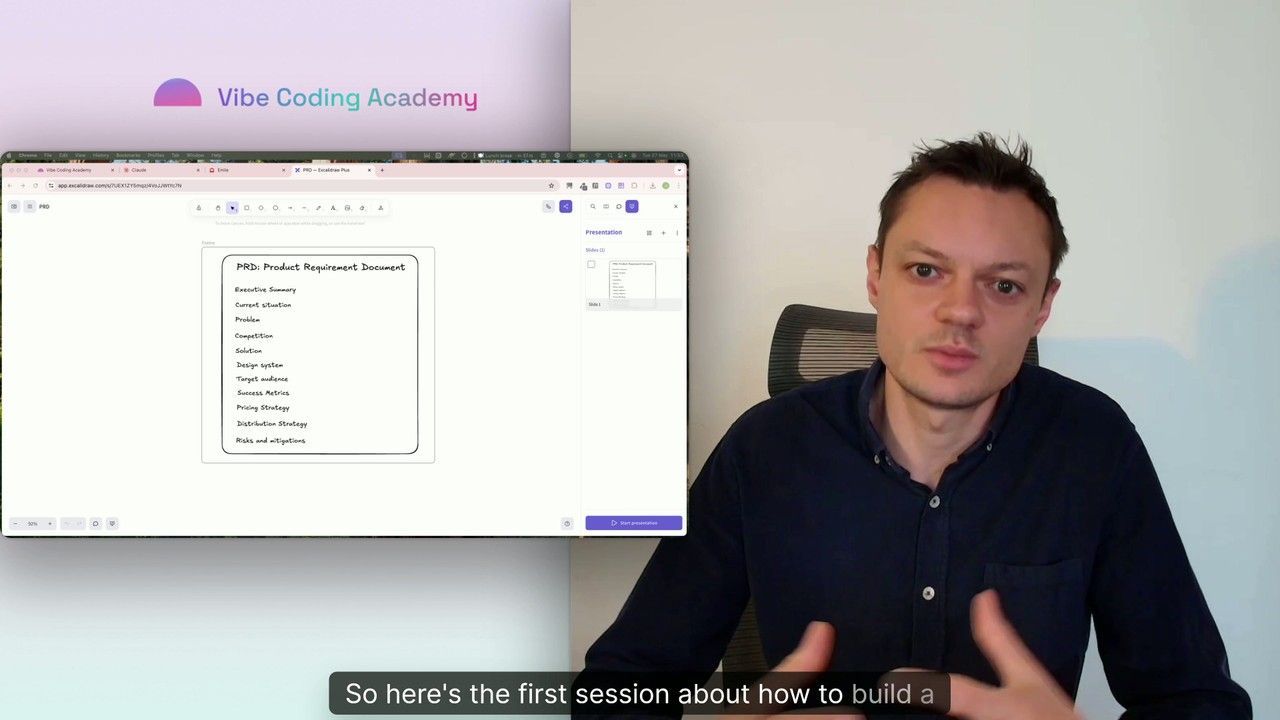
Master Course: Build and Ship a Production-Ready App with Lovable and Cursor
Go from idea to production with Lovable and Cursor: frontend, backend, auth, database, and payments included.
52 lessons
0 min

Jules BoiteuxFounder @Vibe Coding Academy
Course
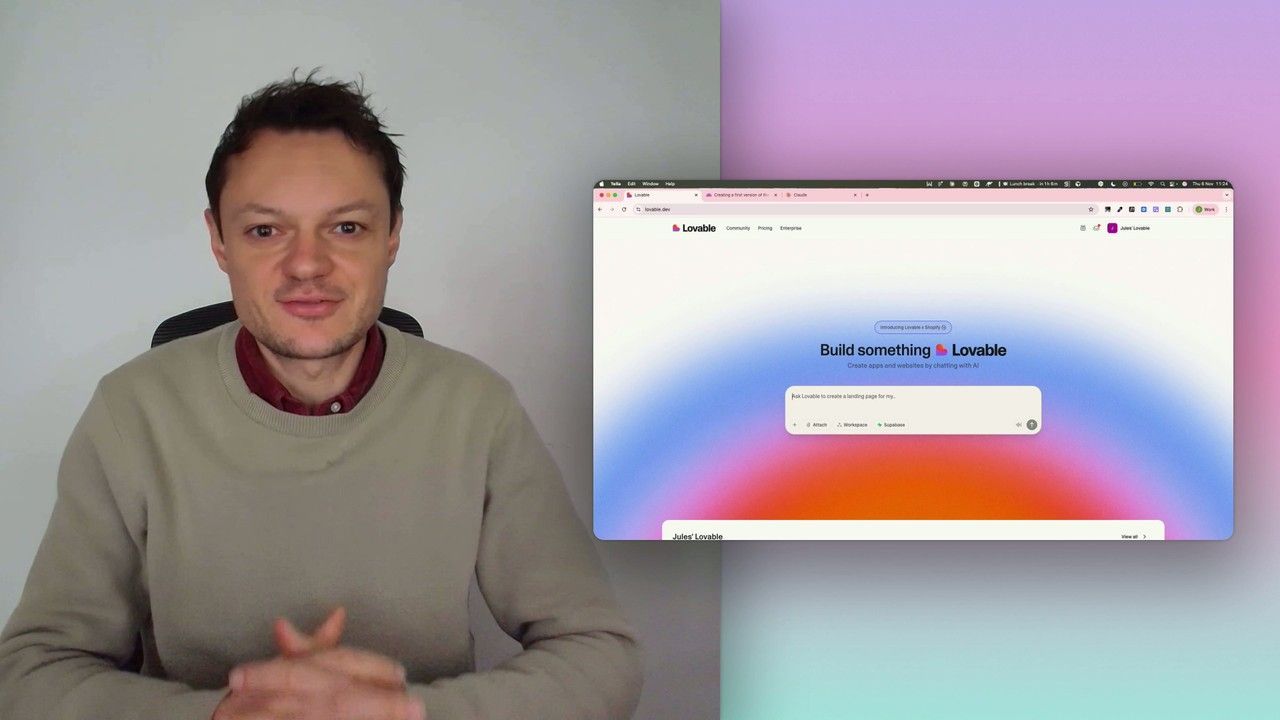
Build a professional frontend prototype with Lovable, Bolt, or v0
In this series, I’ll walk you through the step-by-step process I use to build the first version of a Lovable prototype, one that meets all my requirements for the design system and the user flows that I want for my MVP. We’ll iterate on a Product Requirements Document (PRD) as we go, and by the end, we’ll have crafted the ultimate prompt for Lovable, ensuring your very first auto-generated prototype is exactly on target.
7 lessons
0 min
Jules BoiteuxFounder @Vibe Coding Academy
