Loading...

Securing the Design System In Our Code Base
Securing the Design System In Our Code Base
Now that we have our app working on a local environment, let's make sure we set-up properly our design system in our code. This will include generating a design system token json file, a /design-system page that highlights all our design system, and creating a Cursor skill for design guidelines


Methodology
Learning Highlights
- 0:52
Discover how to industrialize app improvements at Vibe Coding Academy by establishing design system guidelines that enable AI to consistently apply styling across new features.
- 1:26
Learn the three complementary methods for providing comprehensive design instructions: JSON token files, design system documentation pages, and cursor skills that work together seamlessly.
- 3:07
Transform your codebase into a structured design token JSON file using a ready-to-use prompt from Vibe Coding Academy, capturing all colors, fonts, and spacing in machine-readable format.
- 7:27
Implement separation of concerns by configuring cursor skills to automatically reference design files, ensuring any updates to tokens or documentation are instantly reflected across your project.
Prompt Used in Video
Ready to start a new course?
Continue your learning journey with these carefully curated courses
Course
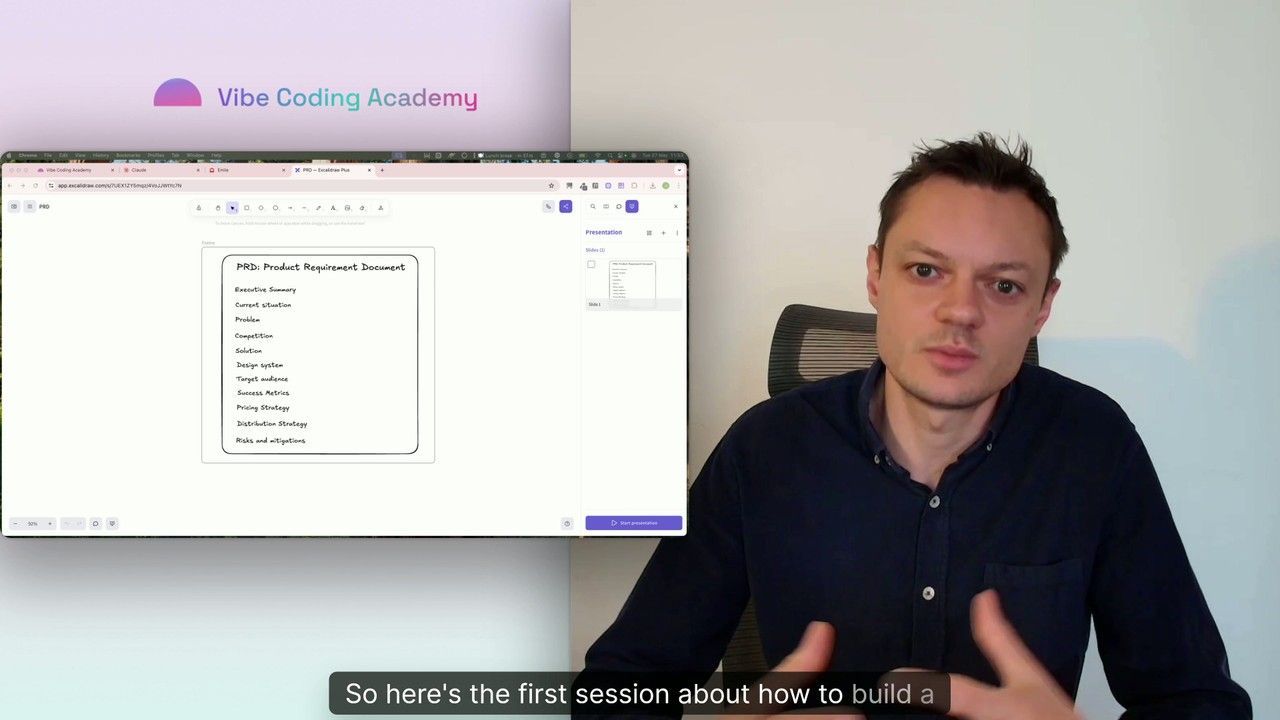
Master Course: Build and Ship a Production-Ready App with Lovable and Cursor
Go from idea to production with Lovable and Cursor: frontend, backend, auth, database, and payments included.
52 lessons
0 min

Jules BoiteuxFounder @Vibe Coding Academy
Course
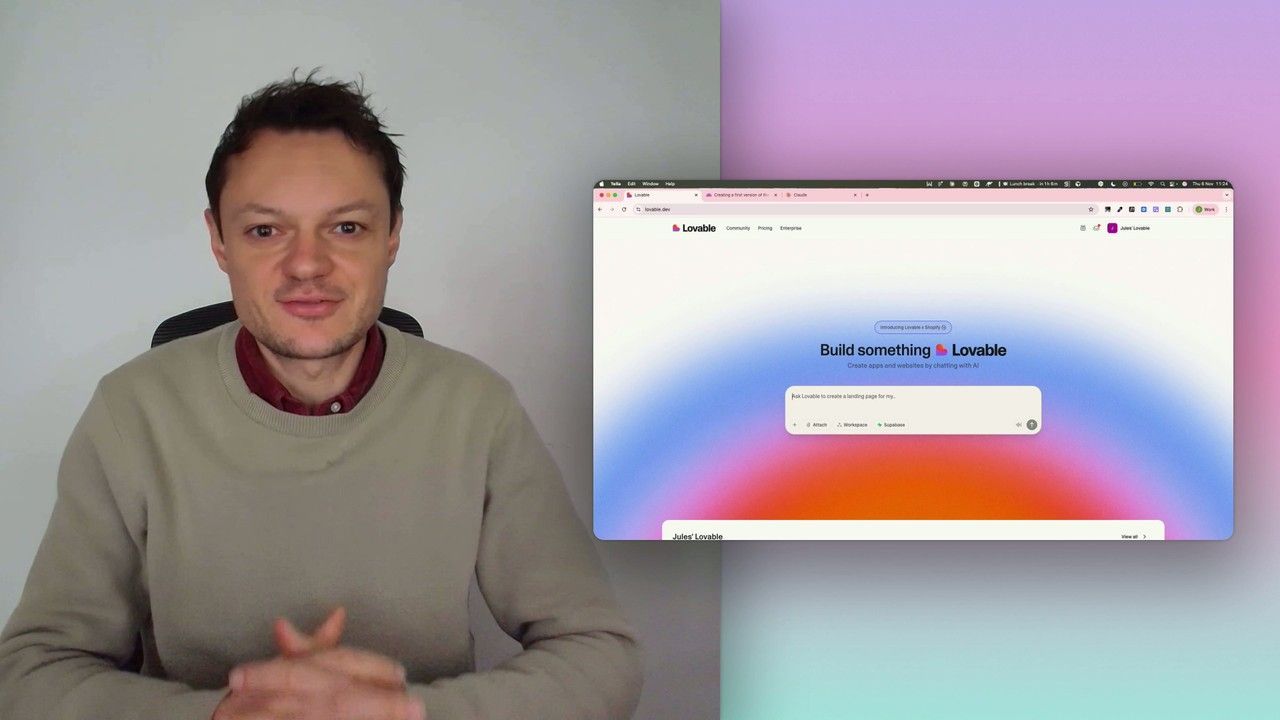
Build a professional frontend prototype with Lovable, Bolt, or v0
In this series, I’ll walk you through the step-by-step process I use to build the first version of a Lovable prototype, one that meets all my requirements for the design system and the user flows that I want for my MVP. We’ll iterate on a Product Requirements Document (PRD) as we go, and by the end, we’ll have crafted the ultimate prompt for Lovable, ensuring your very first auto-generated prototype is exactly on target.
7 lessons
0 min
Jules BoiteuxFounder @Vibe Coding Academy
