Loading...

Leveraging Figma's MCP Server to Rebrand Our Application
Leveraging Figma's MCP Server to Rebrand Our Application
Let's make a complete revamp of our application leveraging a completely different brand design system in Figma

Methodology
Learning Highlights
- 1:26
Breaking down rebranding into two strategic steps prevents common mistakes: first update design guidelines using Figma's MCP server, then systematically apply changes across all app pages, a method taught by Vibe Coding Academy that proves more robust than direct frame-to-code conversion.
- 3:17
Maintaining app identity during design system migration requires explicit instructions to the AI: specify that your grocery app should retain its core purpose and product imagery while adopting only the visual design tokens from the new system, as demonstrated in Vibe Coding Academy's workflow.
- 5:19
Establishing a single source of truth for design systems eliminates confusion: clarify that there's no light/dark mode toggle but rather one definitive design reference, ensuring the AI updates the entire design system page correctly before propagating changes throughout the application.
- 6:59
Vibe Coding Academy's two-step rebranding approach delivers measurable results: after updating design tokens first, a single prompt successfully transforms all app pages with the new visual system while preserving complete functionality, from basket operations to checkout flows.
Prompt Used in Video
Ready to start a new course?
Continue your learning journey with these carefully curated courses
Course
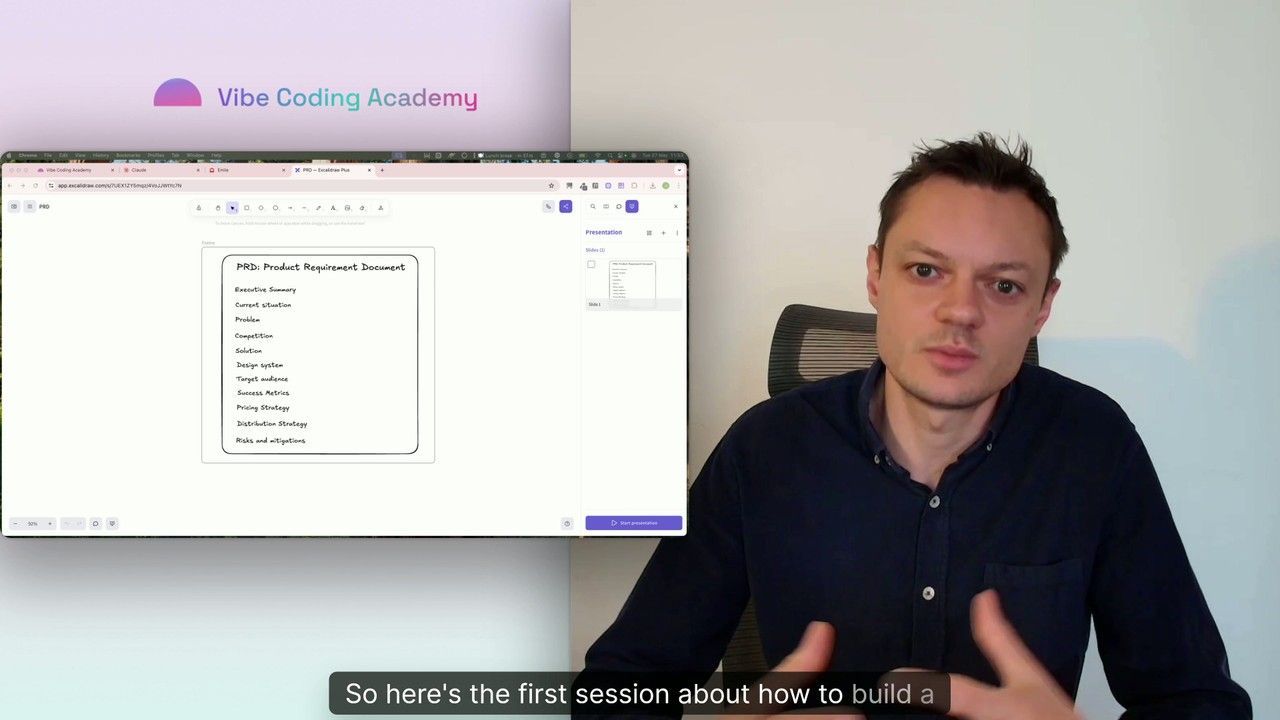
Master Course: Build and Ship a Production-Ready App with Lovable and Cursor
Go from idea to production with Lovable and Cursor: frontend, backend, auth, database, and payments included.
52 lessons
0 min

Jules BoiteuxFounder @Vibe Coding Academy
Course
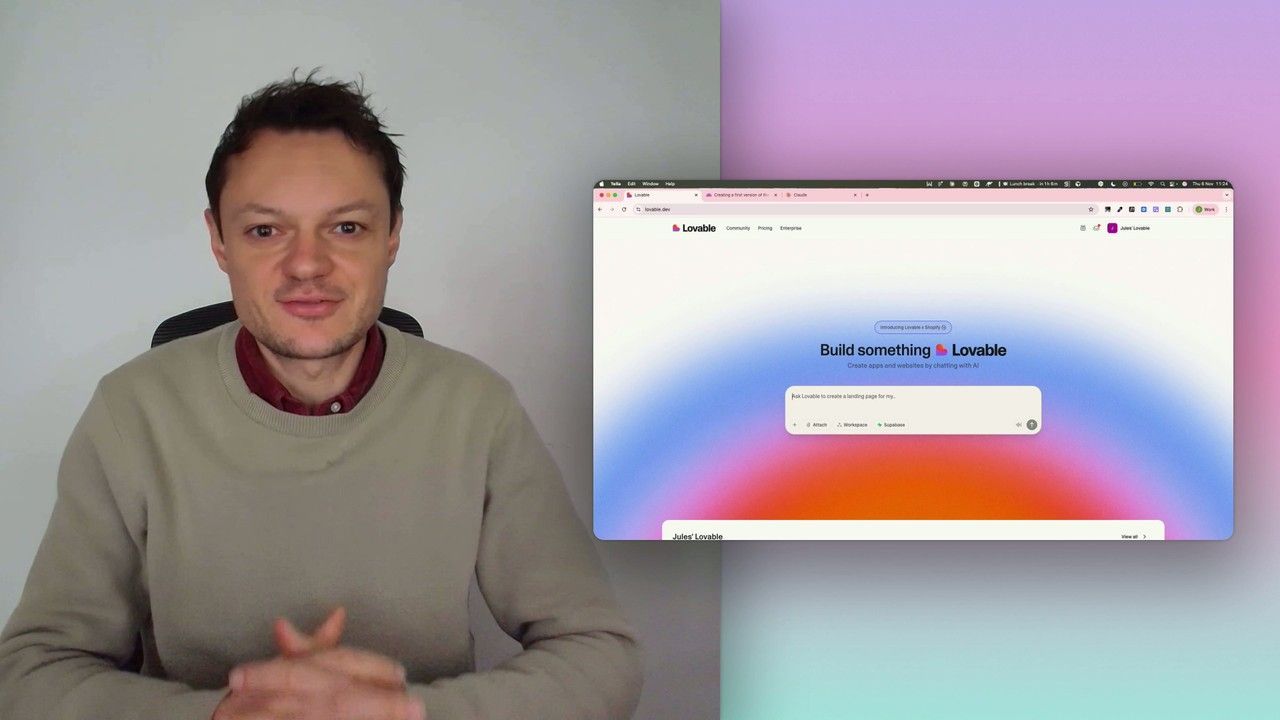
Build a professional frontend prototype with Lovable, Bolt, or v0
In this series, I’ll walk you through the step-by-step process I use to build the first version of a Lovable prototype, one that meets all my requirements for the design system and the user flows that I want for my MVP. We’ll iterate on a Product Requirements Document (PRD) as we go, and by the end, we’ll have crafted the ultimate prompt for Lovable, ensuring your very first auto-generated prototype is exactly on target.
7 lessons
0 min
Jules BoiteuxFounder @Vibe Coding Academy
