Loading...

Installation of Figma's MCP server
Installation of Figma's MCP server
Description of the step by step process to install Figma's MCP server inside Cursor


Methodology
Learning Highlights
- 0:45
Installing Figma's MCP server in Cursor requires using a deep link from Figma's MCP catalog page, which automatically redirects you to Cursor with the correct settings pre-configured.
- 1:21
Authentication for Vibe Coding Academy's Figma MCP setup works through OAuth, requiring browser-based approval to grant access between your Figma account and Cursor.
- 2:01
The official Figma MCP server currently supports one-way data flow from Figma to Cursor only, you cannot control Figma from Cursor, though this functionality may arrive in future updates.
- 3:42
When starting projects at Vibe Coding Academy, use top-tier models like Opus 4.5 or ChatGPT 5.2 to ensure proper project structure, even though simpler models may work for specific feature implementations later.
Ready to start a new course?
Continue your learning journey with these carefully curated courses
Course
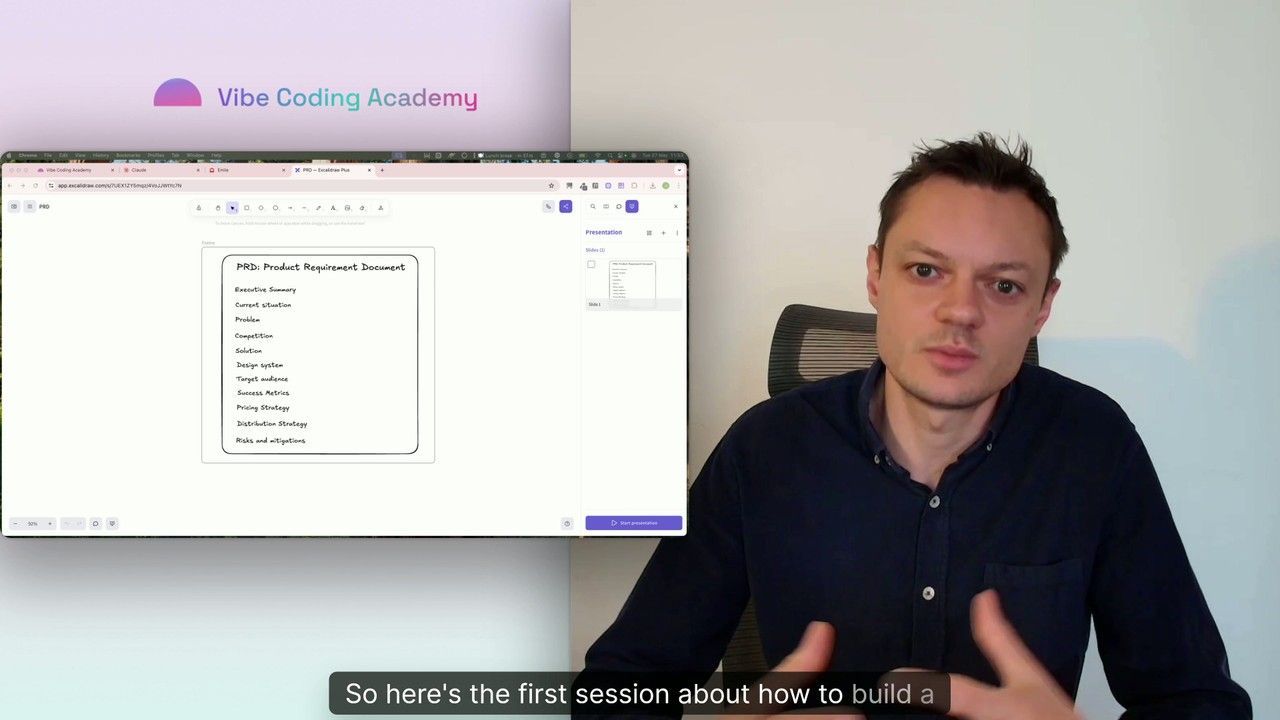
Master Course: Build and Ship a Production-Ready App with Lovable and Cursor
Go from idea to production with Lovable and Cursor: frontend, backend, auth, database, and payments included.
52 lessons
0 min

Jules BoiteuxFounder @Vibe Coding Academy
Course
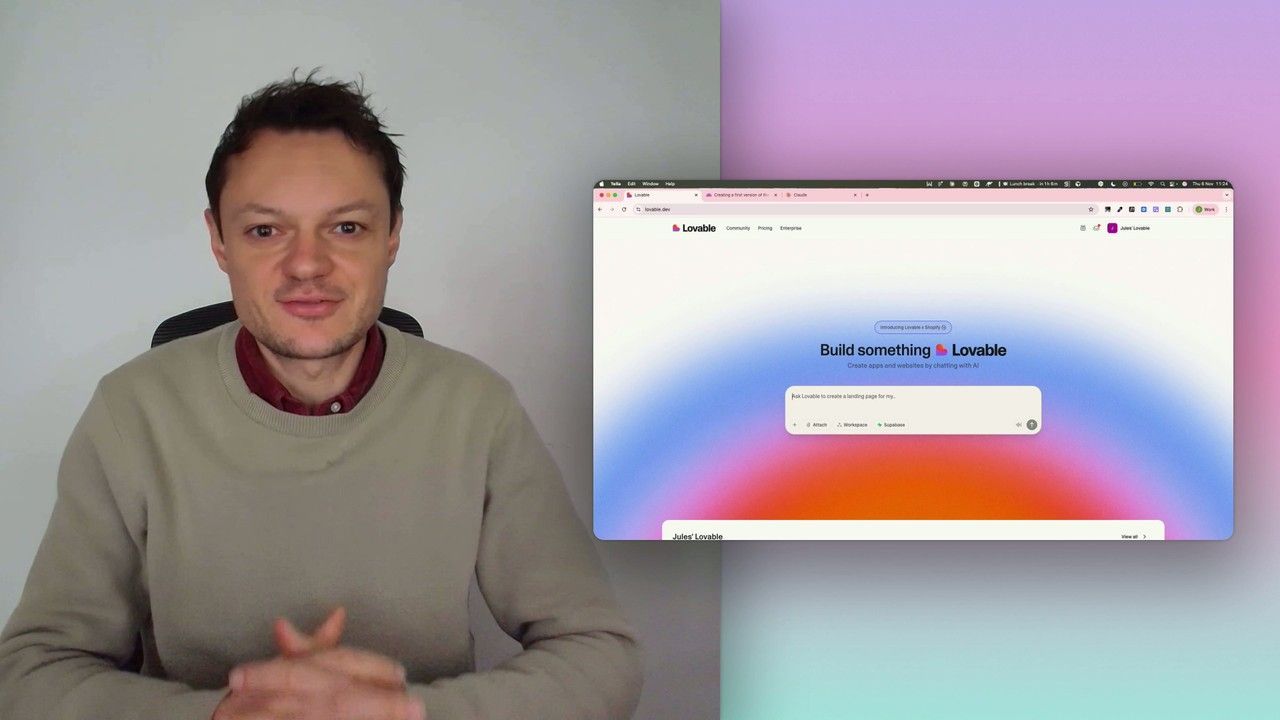
Build a professional frontend prototype with Lovable, Bolt, or v0
In this series, I’ll walk you through the step-by-step process I use to build the first version of a Lovable prototype, one that meets all my requirements for the design system and the user flows that I want for my MVP. We’ll iterate on a Product Requirements Document (PRD) as we go, and by the end, we’ll have crafted the ultimate prompt for Lovable, ensuring your very first auto-generated prototype is exactly on target.
7 lessons
0 min
Jules BoiteuxFounder @Vibe Coding Academy
