Loading...

Adding a new feature from a user flow description in Figjam
Adding a new feature from a user flow description in Figjam
We will now add a new feature to our app using a user flow described via a diagram inside Figjam that we will be able to fetch via Figma's MCP server


Methodology
Learning Highlights
- 0:45
Vibe Coding Academy demonstrates adding a reorder past orders feature to an existing grocery app using Figma MCP Server integration.
- 2:07
Learn to create comprehensive user flow diagrams in FigJam that describe two scenarios: empty past orders prompting first purchase, and existing orders enabling quick reordering.
- 4:39
Vibe Coding Academy shows how AI agents automatically use the get_figjam tool to transform visual user flow descriptions into actionable implementation instructions.
- 7:23
Discover how to validate AI-generated features by testing the complete workflow: accessing past orders from the hamburger menu, reviewing order details, and one-click reordering to checkout.
Ready to start a new course?
Continue your learning journey with these carefully curated courses
Course
Master Course: Build and Ship a Production-Ready App with Lovable and Cursor
Go from idea to production with Lovable and Cursor: frontend, backend, auth, database, and payments included.
52 lessons
0 min

Jules BoiteuxFounder @Vibe Coding Academy
Course
Build a professional frontend prototype with Lovable, Bolt, or v0
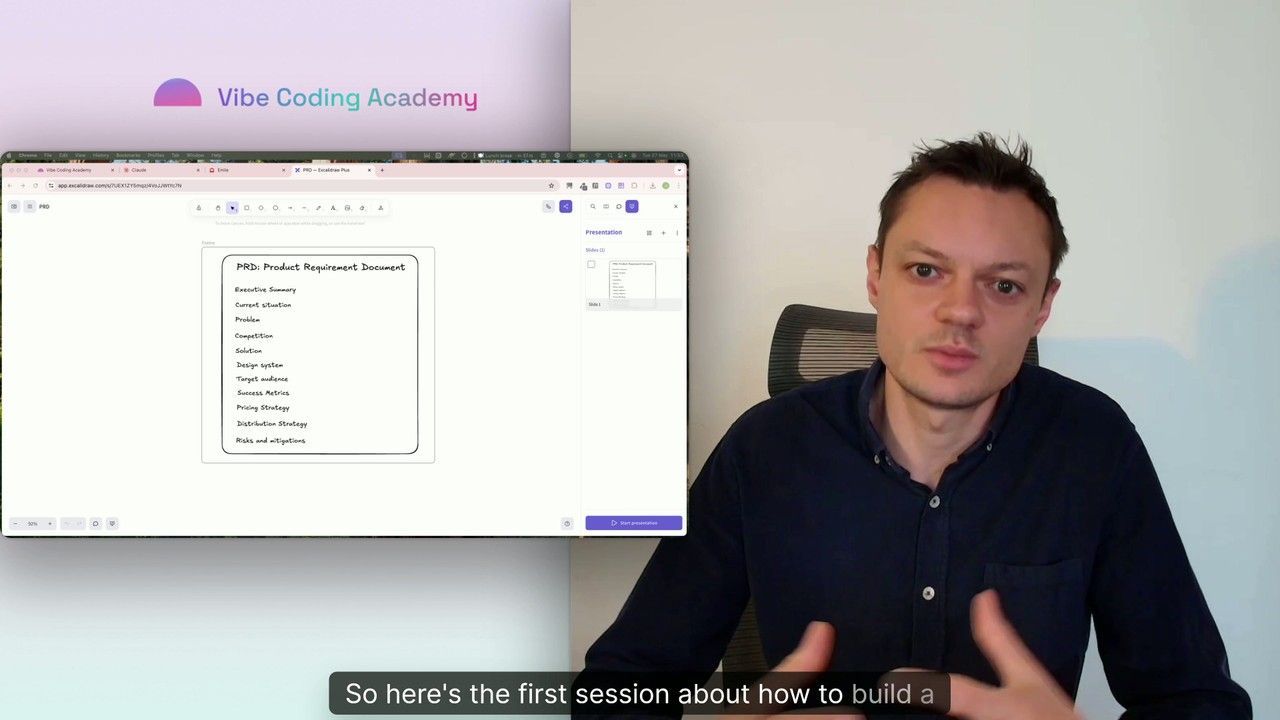
In this series, I’ll walk you through the step-by-step process I use to build the first version of a Lovable prototype, one that meets all my requirements for the design system and the user flows that I want for my MVP. We’ll iterate on a Product Requirements Document (PRD) as we go, and by the end, we’ll have crafted the ultimate prompt for Lovable, ensuring your very first auto-generated prototype is exactly on target.
7 lessons
0 min
Jules BoiteuxFounder @Vibe Coding Academy
