Loading...
Intro To Figma's MCP Server And Presentation of the Workflows
Introduction to Figma MCP's server and description of the use cases we are going to tackle throughout the course.

Methodology
Learning Highlights
- 0:24
Understand the design handover challenge: the costly back-and-forth between product designers working in Figma and developers implementing front-end code, caused by design token discrepancies and developer dependency.
- 1:38
Preview 5 practical workflows covered in the course: converting Figma frames into working apps, building a design system in Cursor, rebranding with a new Figma design system, adding features from FigJam user flows, and prototyping with Figma Make.
- 3:23
Discover how FigJam diagrams can describe complete user flows that Cursor translates directly into new features, following the existing design system, no developer handoff required.
- 4:24
Learn the key Figma MCP tools you'll use throughout the course: GetDesignContext to fetch layer data, GetScreenshots to capture frames, and GetFigJam to transform diagrams into agent-readable instructions.
- 5:12
Understand why the course uses Figma's remote MCP server (available on all plans) and how every workflow is transferable to any AI coding tool that supports MCP, not just Cursor.
Ready to start a new course?
Continue your learning journey with these carefully curated courses
Course
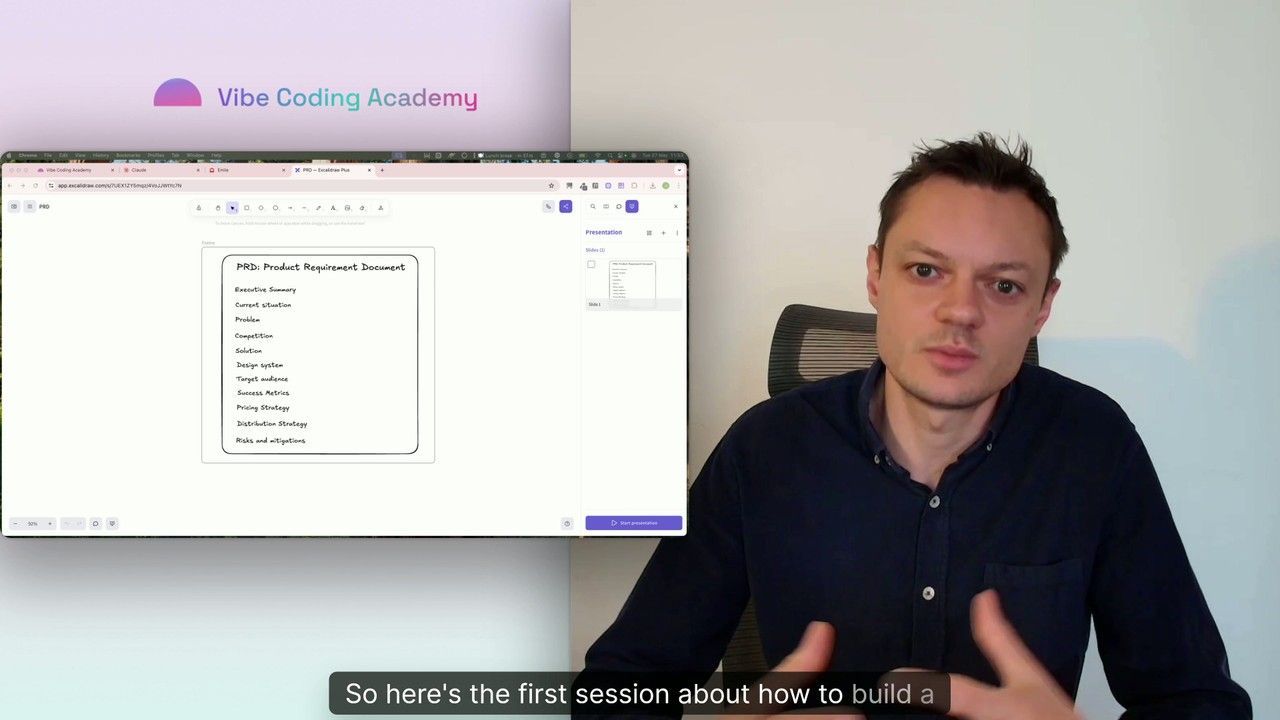
Master Course: Build and Ship a Production-Ready App with Lovable and Cursor
Go from idea to production with Lovable and Cursor: frontend, backend, auth, database, and payments included.
52 lessons
0 min

Jules BoiteuxFounder @Vibe Coding Academy
Course
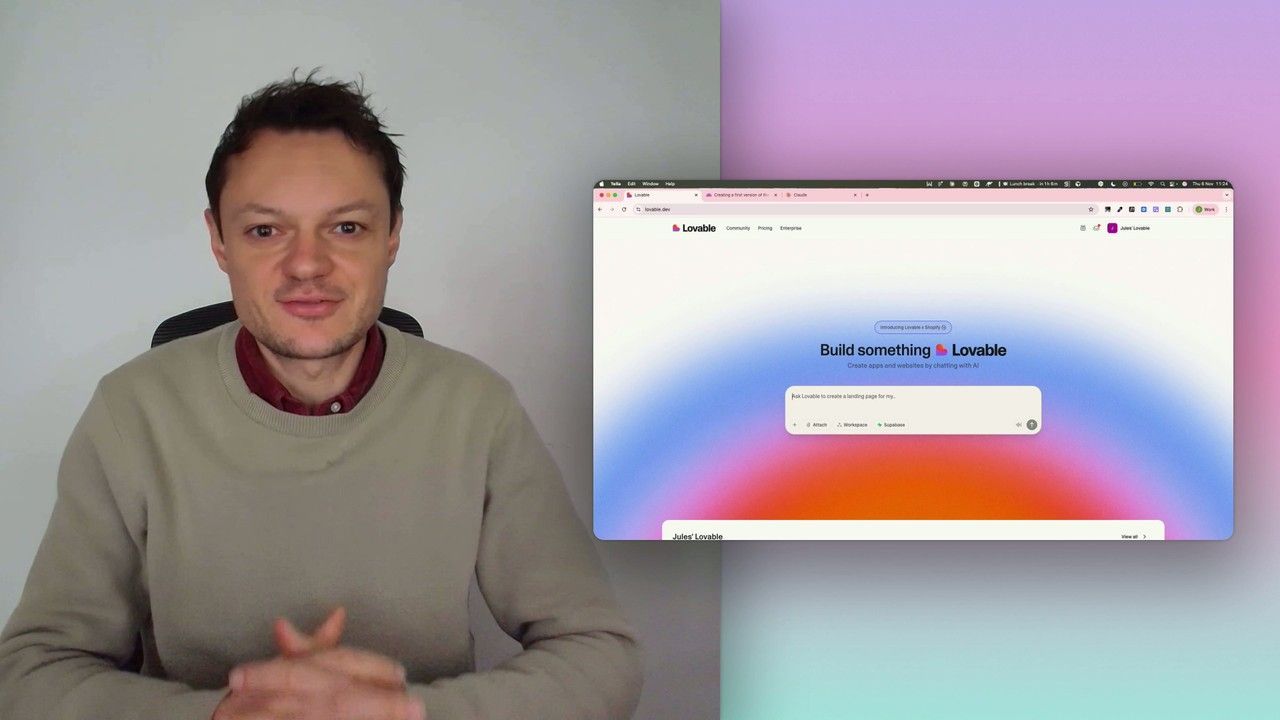
Build a professional frontend prototype with Lovable, Bolt, or v0
In this series, I’ll walk you through the step-by-step process I use to build the first version of a Lovable prototype, one that meets all my requirements for the design system and the user flows that I want for my MVP. We’ll iterate on a Product Requirements Document (PRD) as we go, and by the end, we’ll have crafted the ultimate prompt for Lovable, ensuring your very first auto-generated prototype is exactly on target.
7 lessons
0 min
Jules BoiteuxFounder @Vibe Coding Academy
