Loading...

Getting started with Stripe
Getting started with Stripe
Now let’s dive into Stripe and get familiar with its main objects. Understanding how to navigate Stripe is important for two key reasons: It will help you with the technical implementation of payments in your product. It’s essential for handling customer support, whether you're troubleshooting a bug or investigating a specific customer issue.

Payments
Learning Highlights
- 0:15
Understanding how Stripe simplifies payment integration by enabling developers to create checkout sessions with minimal code, making it the go-to solution for accepting payments.
- 1:21
Learn the core Stripe objects, customers, subscriptions, products, and prices, and how they work together to power recurring billing systems for SaaS applications.
- 2:01
Discover why products define your pricing plans while prices handle currency variations, allowing you to offer the same plan in multiple currencies with separate price objects.
- 4:50
How to handle subscription creation without stored payment methods by sending email invoices that redirect customers to checkout sessions for secure payment collection.
💡
Interactive diagram used in the video
Getting started with Stripe
Let’s jump into Stripe and learn how to navigate its main objects.
Ready to start a new course?
Continue your learning journey with these carefully curated courses
Course
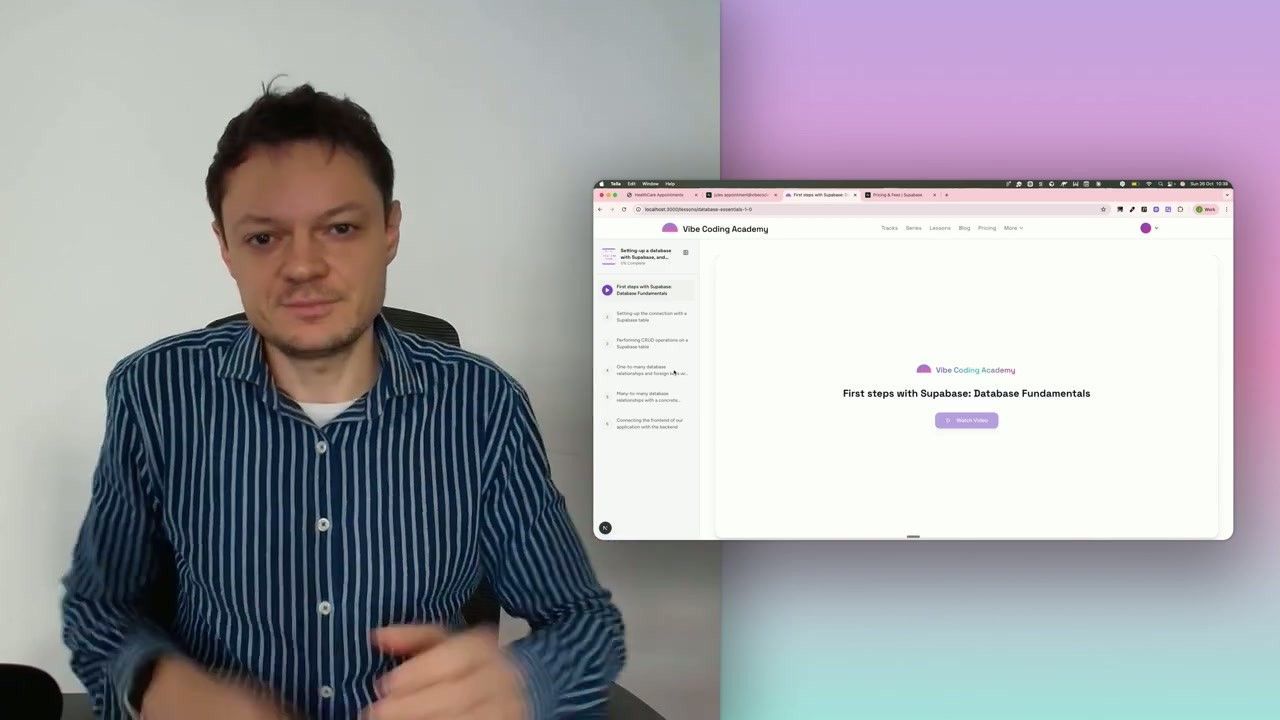
Setting-up a database with Supabase, and building our first CRUD API endpoints
Learn how to connect your application to a Supabase database, then validate the setup by creating your first API endpoints to perform basic CRUD operations (Create, Read, Update, Delete).
6 lessons
0 min

Jules BoiteuxFounder @Vibe Coding Academy
Course
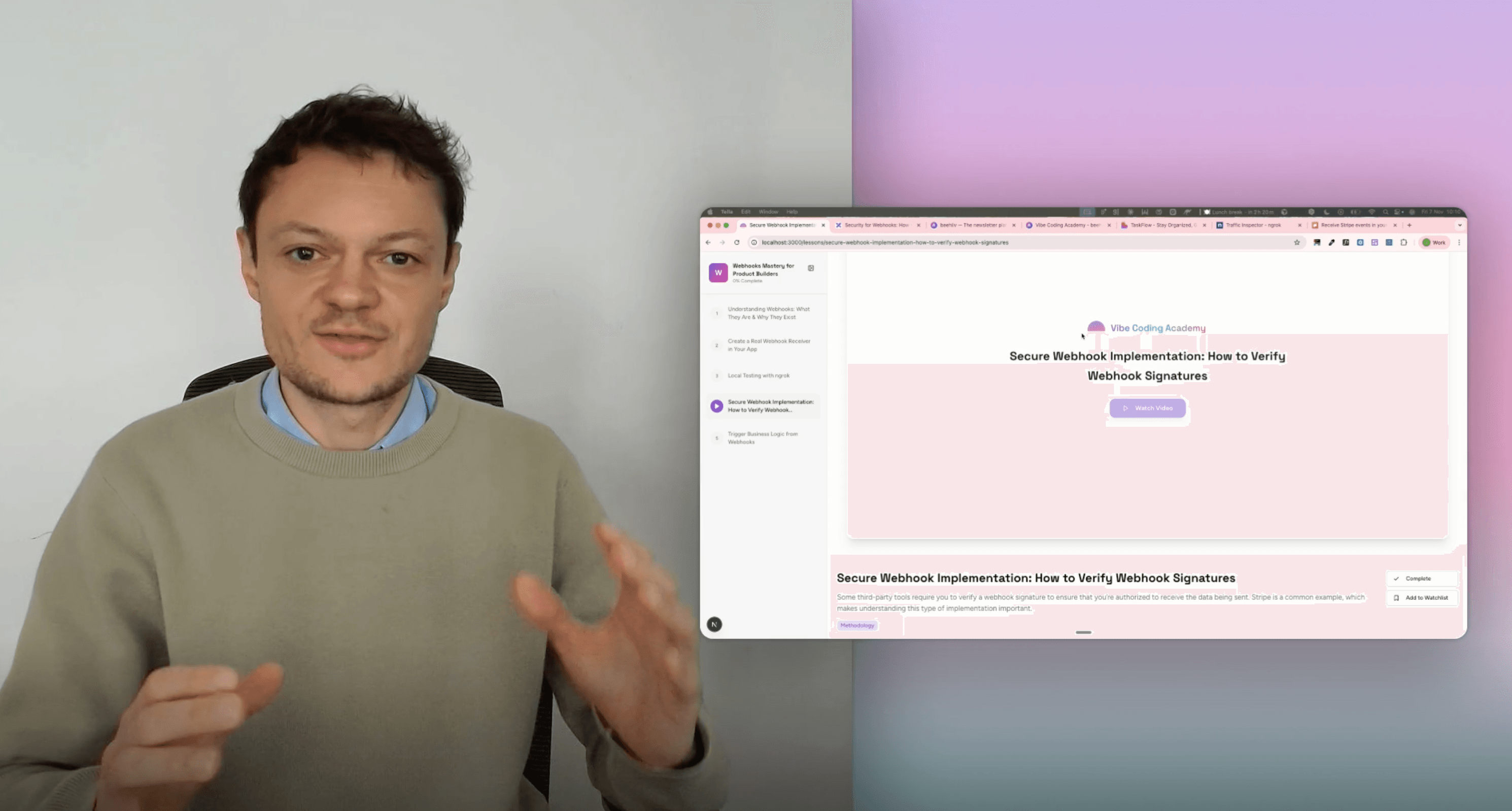
Webhooks Mastery for Product Builders
Many third-party integrations rely on webhooks. Stripe is one of the most important examples, which makes it essential to understand how to implement webhooks correctly in your app and build reliable business logic on top of them.
5 lessons
0 min
Jules BoiteuxFounder @Vibe Coding Academy
