Loading...

How To Master Claude Code - Getting Started with Claude Code
How To Master Claude Code - Getting Started with Claude Code
Introduction to Claude Code: what it is, how to set it up, and an overview of its first built-in commands.
Tool
Learning Highlights
- 1:30
Understanding why Claude Code extends beyond coding to enable file sorting, automation workflows, and tasks that save hours daily through AI assistance.
- 3:02
Learn how Vibe Coding Academy recommends installing Claude Code locally in IDEs like VS Code or Cursor for maximum power, rather than using the web interface.
- 6:06
Discover the three core capabilities of Claude Code: prompt engineering for app building, executing bash commands for Git operations, and browser interaction for web scraping.
- 8:28
Mastering the claude.md file initialization provides crucial project context that guides Claude Code's coding tasks, including design system guidelines and project specifications.
Ready to start a new course?
Continue your learning journey with these carefully curated courses
Course
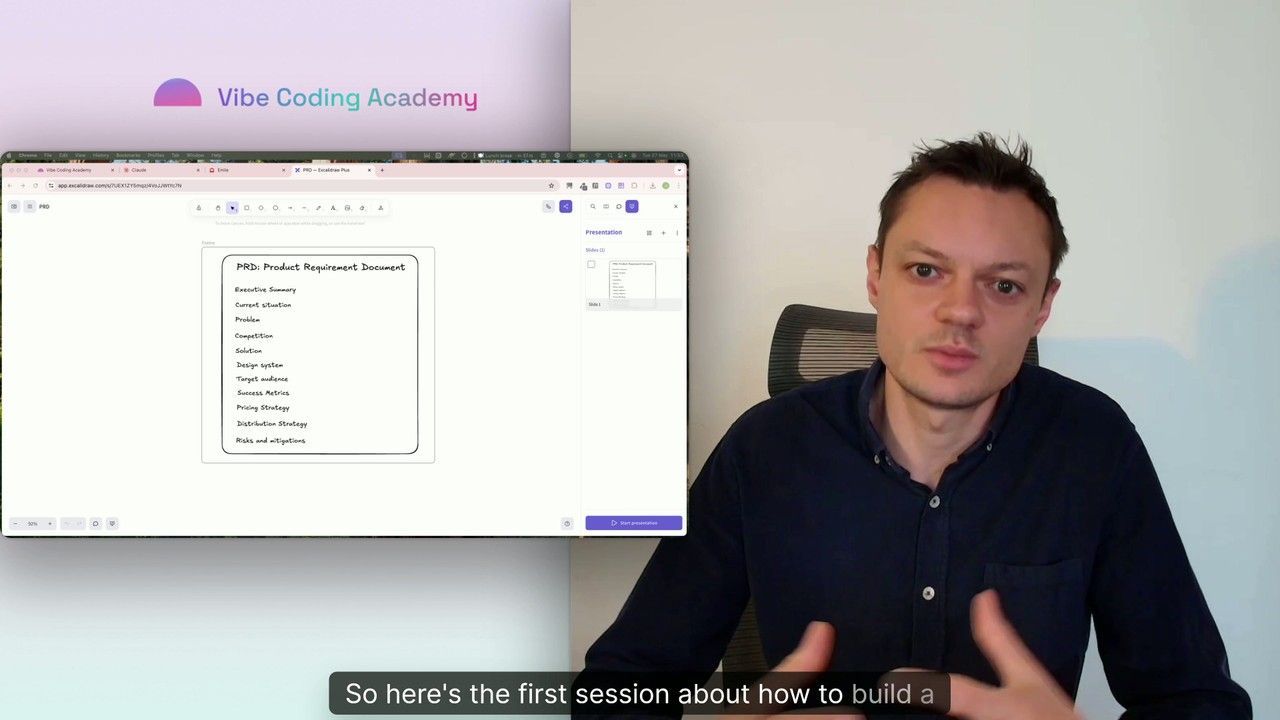
Master Course: Build and Ship a Production-Ready App with Lovable and Cursor
Go from idea to production with Lovable and Cursor: frontend, backend, auth, database, and payments included.
52 lessons
0 min

Jules BoiteuxFounder @Vibe Coding Academy
Course
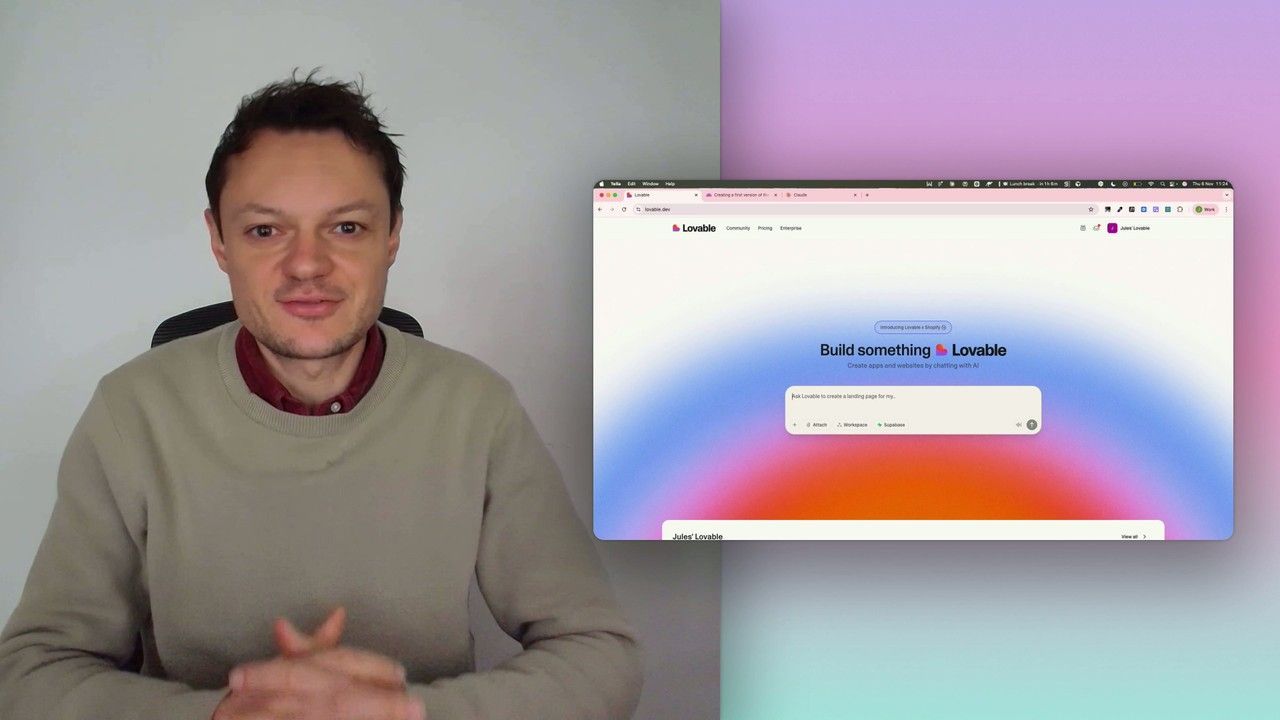
Build a professional frontend prototype with Lovable, Bolt, or v0
In this series, I’ll walk you through the step-by-step process I use to build the first version of a Lovable prototype, one that meets all my requirements for the design system and the user flows that I want for my MVP. We’ll iterate on a Product Requirements Document (PRD) as we go, and by the end, we’ll have crafted the ultimate prompt for Lovable, ensuring your very first auto-generated prototype is exactly on target.
7 lessons
0 min
Jules BoiteuxFounder @Vibe Coding Academy
