Loading...

How To Master Claude Code - Effective Context Usage in Claude Code
How To Master Claude Code - Effective Context Usage in Claude Code
An overview of the different ways to provide context to Claude Code, and how each method improves productivity
Tool
Learning Highlights
- 0:13
Understanding why providing more context to AI tools leads to better outputs, a principle that applies directly to building with Claude Code at Vibe Coding Academy.
- 1:08
How to leverage the init command to establish tech stack and design system instructions that Claude Code references throughout your entire project.
- 6:17
Learn to paste screenshots directly into Claude Code by hitting Command+V, enabling visual design references that guide AI-generated UI updates.
- 8:27
Mastering session management by dedicating one session per feature prevents context dilution and maintains Claude Code's performance, with the compact command preserving summaries while clearing history.
Ready to start a new course?
Continue your learning journey with these carefully curated courses
Course
Master Course: Build and Ship a Production-Ready App with Lovable and Cursor
Go from idea to production with Lovable and Cursor: frontend, backend, auth, database, and payments included.
52 lessons
0 min

Jules BoiteuxFounder @Vibe Coding Academy
Course
Build a professional frontend prototype with Lovable, Bolt, or v0
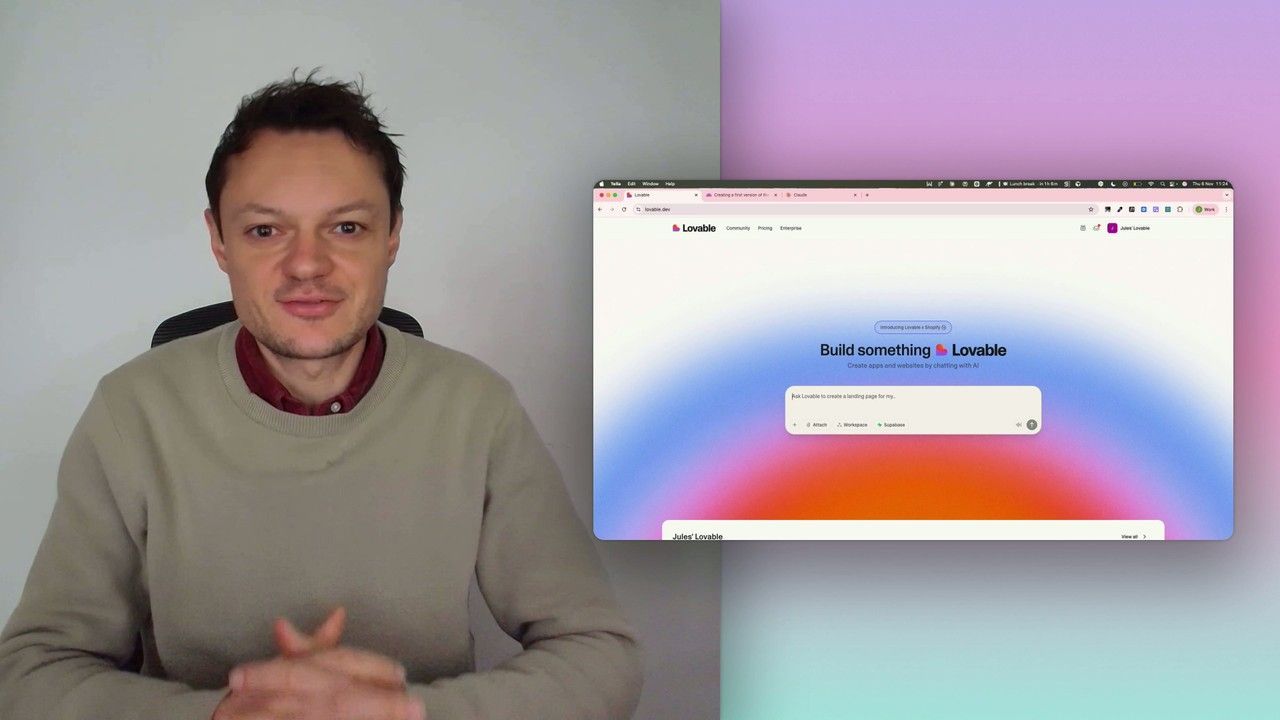
In this series, I’ll walk you through the step-by-step process I use to build the first version of a Lovable prototype, one that meets all my requirements for the design system and the user flows that I want for my MVP. We’ll iterate on a Product Requirements Document (PRD) as we go, and by the end, we’ll have crafted the ultimate prompt for Lovable, ensuring your very first auto-generated prototype is exactly on target.
7 lessons
0 min
Jules BoiteuxFounder @Vibe Coding Academy
