Loading...

Advanced Claude Code usage: MCPs
Advanced Claude Code usage: MCPs
Unlock powerful third-party integrations in Claude Code by connecting MCP servers.
Tool
Learning Highlights
- 0:45
Learn how to connect Claude Code to MCP servers using the simple `mcp` command to visualize and manage installed Model Context Protocol integrations.
- 1:22
Discover two installation methods for MCP servers: using the official documentation list for well-known tools or following custom instructions for specialized integrations.
- 3:41
Understanding how MCP tools function as API endpoints that enable Claude Code to access specific features and perform tasks across connected platforms like Figma.
- 5:46
How to leverage Vibe Coding Academy's MCP server to build production-ready apps through an interactive agent that guides you from initial PRD creation to deployment.
Ready to start a new course?
Continue your learning journey with these carefully curated courses
Course
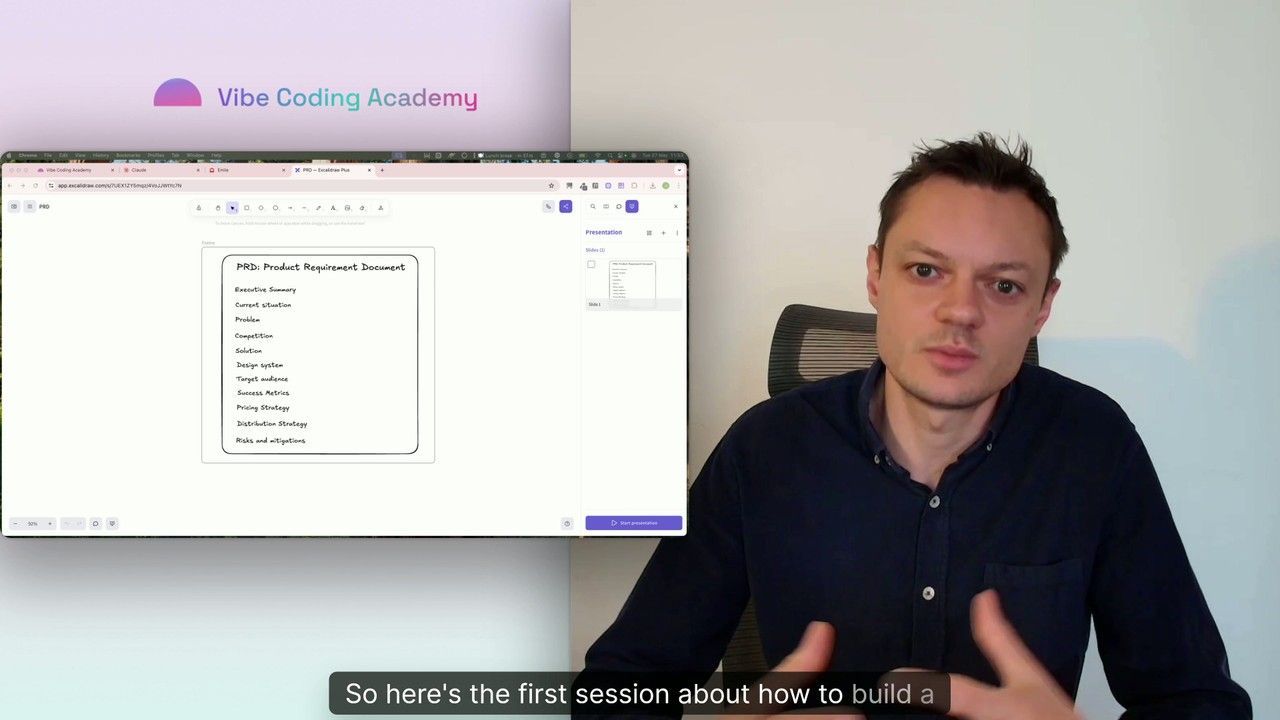
Master Course: Build and Ship a Production-Ready App with Lovable and Cursor
Go from idea to production with Lovable and Cursor: frontend, backend, auth, database, and payments included.
52 lessons
0 min

Jules BoiteuxFounder @Vibe Coding Academy
Course
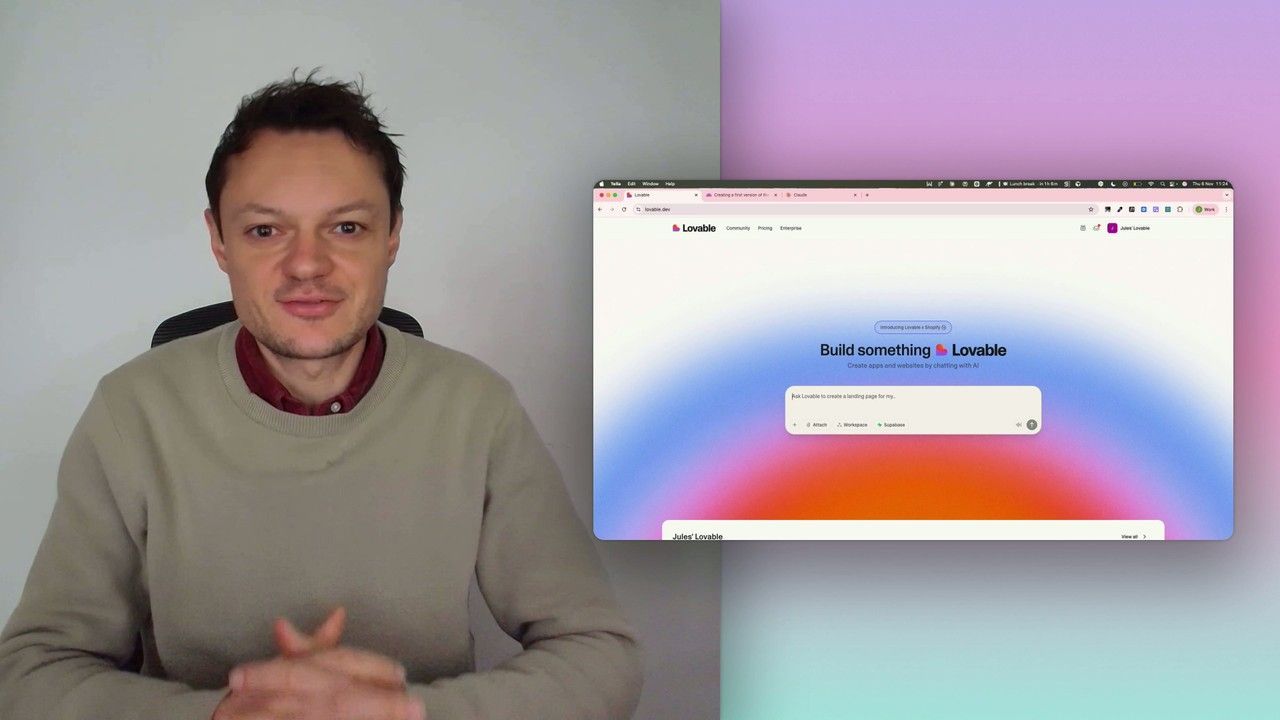
Build a professional frontend prototype with Lovable, Bolt, or v0
In this series, I’ll walk you through the step-by-step process I use to build the first version of a Lovable prototype, one that meets all my requirements for the design system and the user flows that I want for my MVP. We’ll iterate on a Product Requirements Document (PRD) as we go, and by the end, we’ll have crafted the ultimate prompt for Lovable, ensuring your very first auto-generated prototype is exactly on target.
7 lessons
0 min
Jules BoiteuxFounder @Vibe Coding Academy
