Loading...

Concrete example: Building an agent that provides a summary of relevant articles threads on a specific topic
Concrete example: Building an agent that provides a summary of relevant articles threads on a specific topic
Hands-on: apply advanced Claude Code techniques by implementing a real AI-powered workflow using a custom command, multiple sub-agents, and Notion’s MCP server.
Tool
Learning Highlights
- 0:06
Building an end-to-end workflow with Claude Code that automatically finds articles, generates summaries, and populates a Notion database using agents and custom commands.
- 3:06
Discover how Obsidian enables local visualization of markdown files generated by Claude Code, making it easier to review and manually edit AI-generated content before publishing.
- 11:00
The key to creating reusable custom commands lies in chaining multiple agents, Article Finder locates content, Article Summarizer processes it, and Notion MCP stores results automatically.
- 15:22
Understanding why automated workflows save time and enable parallel work: Vibe Coding Academy teaches how to build AI copilots that handle research and documentation while you focus on other tasks.
💡
Interactive diagram used in the video
Concrete example of workflow in Claude
Ready to start a new course?
Continue your learning journey with these carefully curated courses
Course
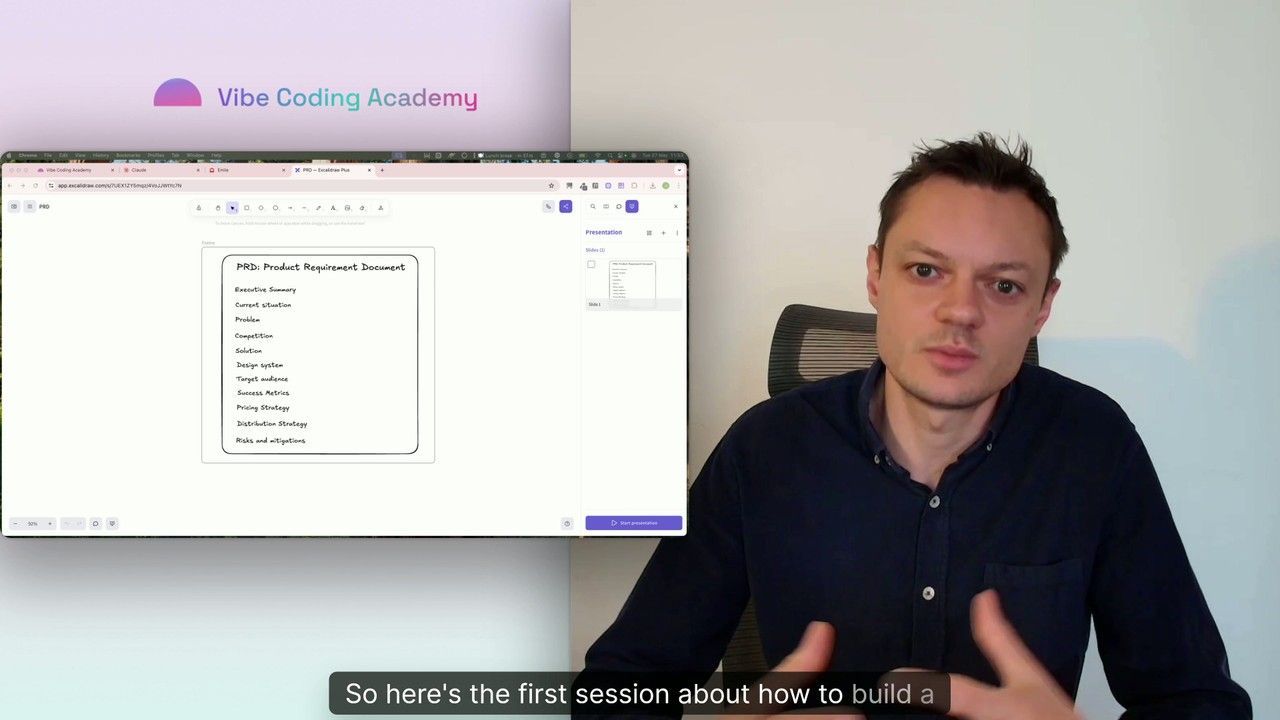
Master Course: Build and Ship a Production-Ready App with Lovable and Cursor
Go from idea to production with Lovable and Cursor: frontend, backend, auth, database, and payments included.
52 lessons
0 min

Jules BoiteuxFounder @Vibe Coding Academy
Course
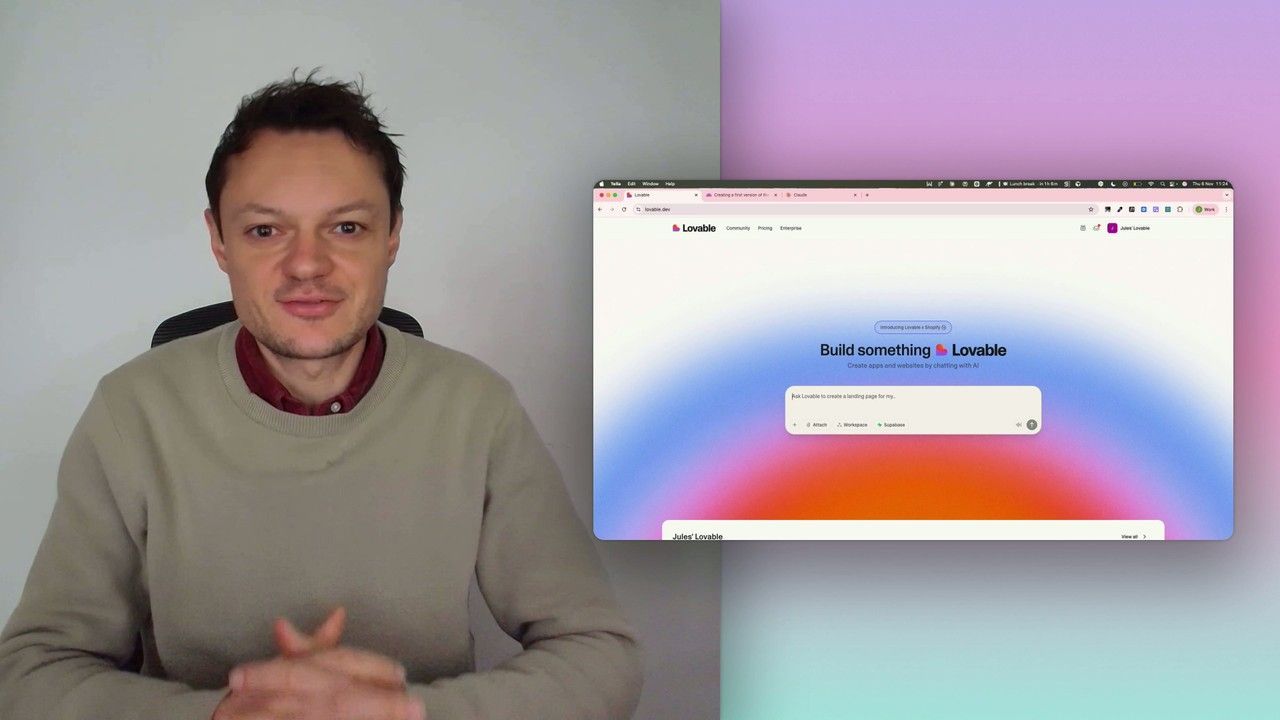
Build a professional frontend prototype with Lovable, Bolt, or v0
In this series, I’ll walk you through the step-by-step process I use to build the first version of a Lovable prototype, one that meets all my requirements for the design system and the user flows that I want for my MVP. We’ll iterate on a Product Requirements Document (PRD) as we go, and by the end, we’ll have crafted the ultimate prompt for Lovable, ensuring your very first auto-generated prototype is exactly on target.
7 lessons
0 min
Jules BoiteuxFounder @Vibe Coding Academy
