Loading...

Implementation of the sign-out flow
Implementation of the sign-out flow
Now that the user can sign-in, we need to implement the reverse flow that is sign-out. The sign-out generally redirects the user to the sign-in page, and also deletes the access_token from the browser (local_storage)



Authentication
Learning Highlights
- 0:27
Learn how to implement a sign-out flow using Supabase's built-in methods that clear access tokens from local storage and redirect users to the login page.
- 1:02
Understanding that pre-made prompts guarantee first-time success, but simpler custom prompts can work equally well once your AI assistant understands your project's authentication context.
- 1:34
How to leverage ready-to-use prompts to save development time by hitting the mark from the get-go, rather than iterating through multiple attempts with custom instructions.
- 2:32
The key to proper user logout implementation involves both clearing authentication tokens and verifying the redirect flow works correctly before moving to more complex authentication topics.
💡
Interactive diagram used in the video
The sign-out user flow
Setting-up the sign-out flow
Prompt Used in Video
Ready to start a new course?
Continue your learning journey with these carefully curated courses
Course
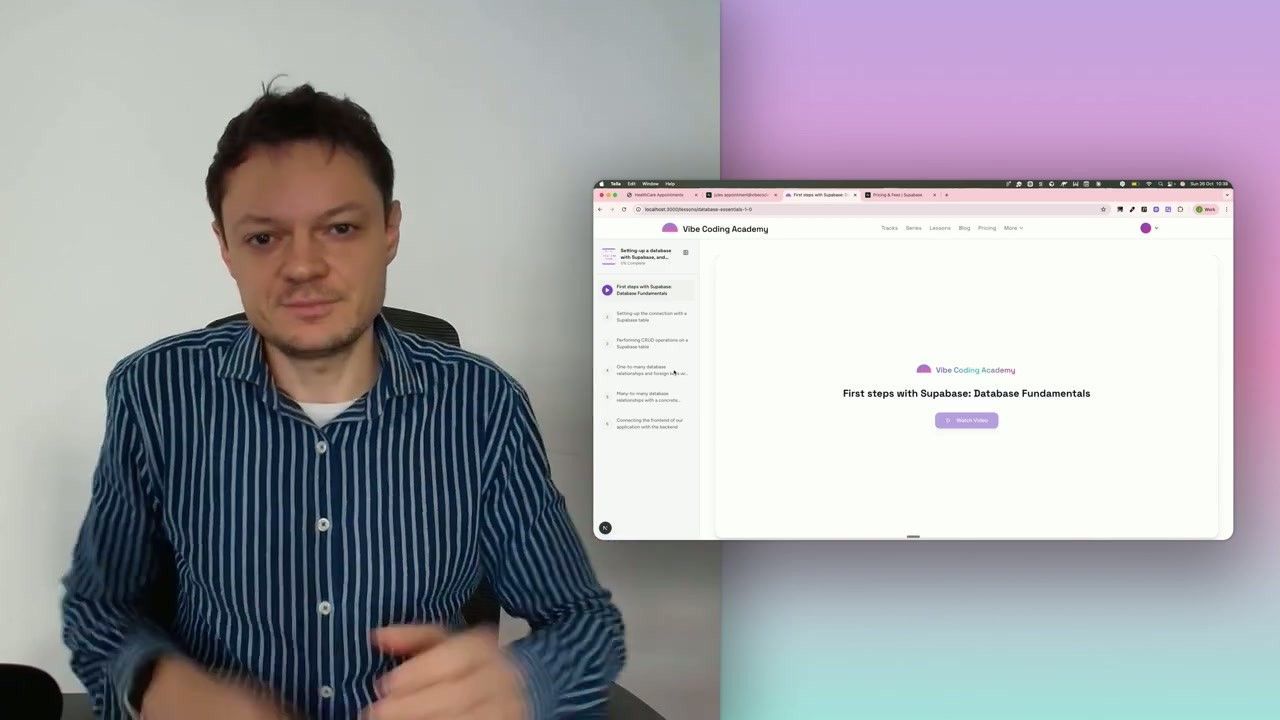
Setting-up a database with Supabase, and building our first CRUD API endpoints
Learn how to connect your application to a Supabase database, then validate the setup by creating your first API endpoints to perform basic CRUD operations (Create, Read, Update, Delete).
6 lessons
0 min

Jules BoiteuxFounder @Vibe Coding Academy
Course
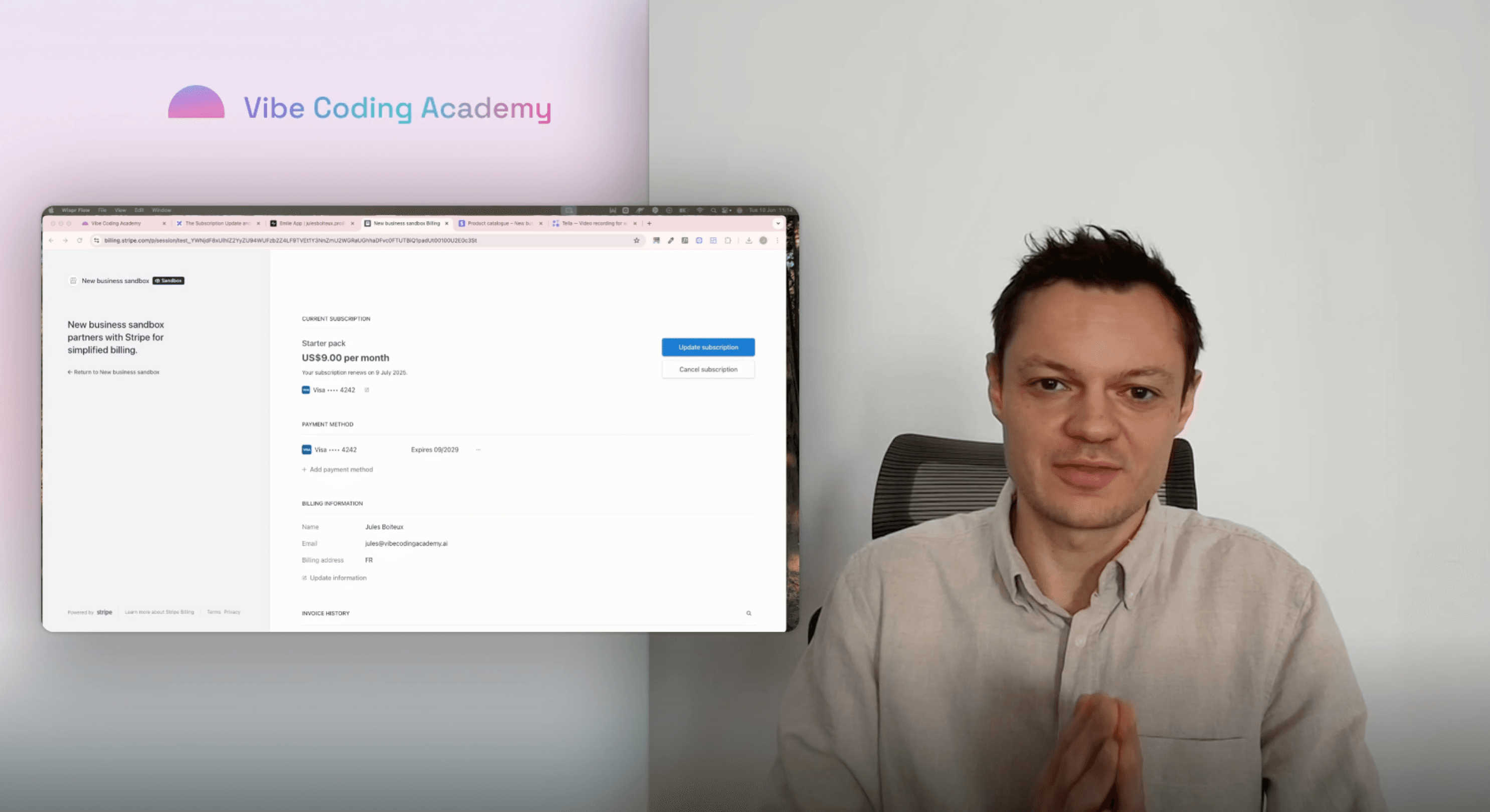
How to Implement Payments with Stripe
Transform your app into a monetized product using Stripe. Follow my step-by-step guidance to build a full end-to-end payment flow that’s clean, robust, and aligned with modern developer best practices.
17 lessons
0 min
Jules BoiteuxFounder @Vibe Coding Academy
