Product managers have spent the last two years watching AI coding agents live inside the IDE, a tool most PMs never open. That changed on July 23, 2026, when GitHub shipped general availability for the Copilot cloud agent's integration with Linear, the project management tool many PM teams already run their sprints from.
This is the detail worth sitting with: you no longer need to touch a terminal or an editor to hand work to an AI agent. You assign a Linear issue to Copilot the same way you'd assign it to a teammate, and it goes to work.
Key Takeaways
- GitHub shipped general availability for the Copilot cloud agent Linear integration on July 23, 2026, letting PMs assign a Linear issue to Copilot the same way they assign it to a teammate.
- GA added model selection, custom agents, branch control, and mid-task session steering, turning a preview feature into a workflow teams can standardize on.
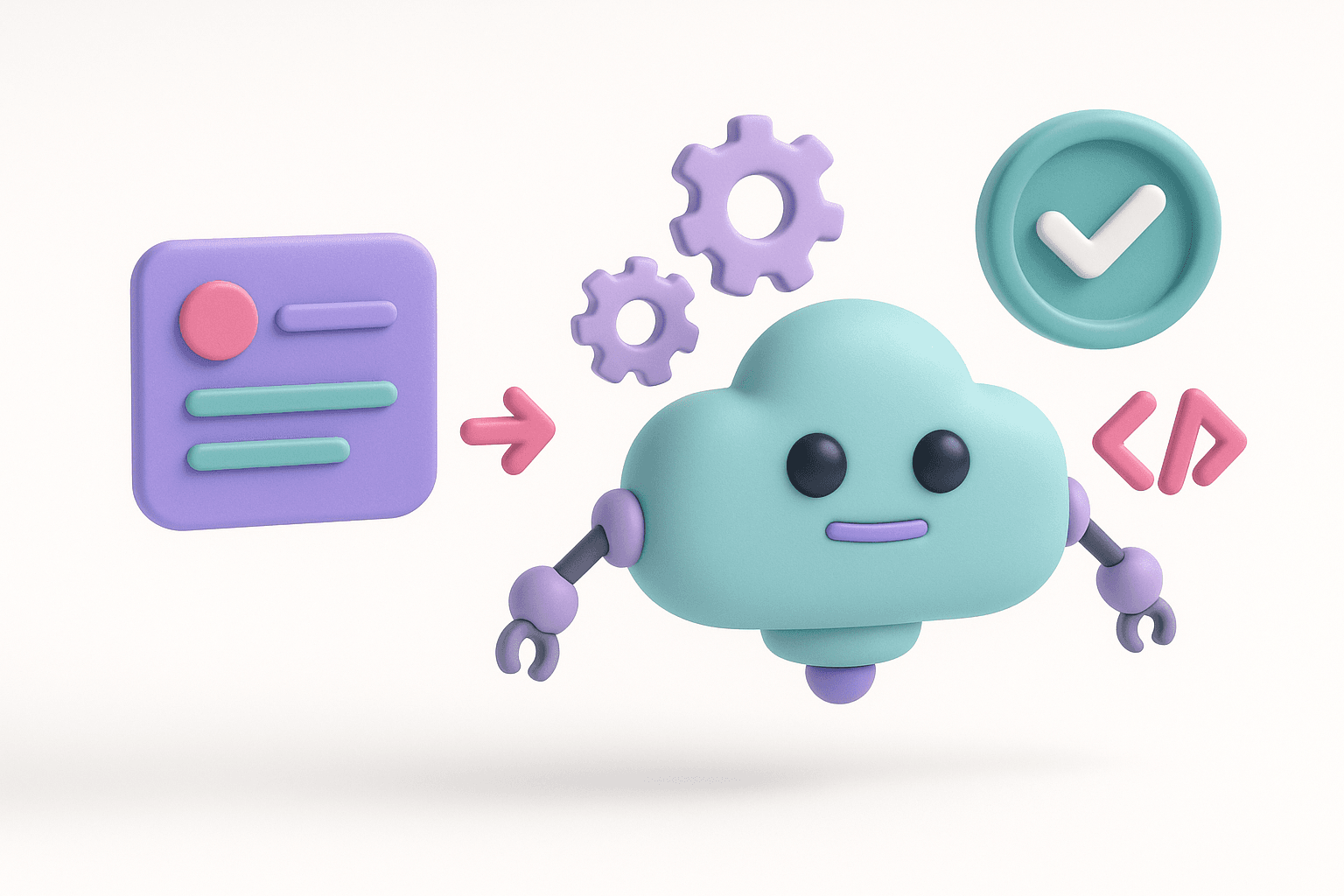
- Copilot runs each task in its own ephemeral GitHub Actions environment, streams progress into the Linear activity timeline, and opens a draft pull request when the work is ready.
- The integration works on Copilot Pro, Pro+, Business, and Enterprise plans, but setup needs GitHub org owner and Linear workspace admin permissions, so rollout is admin-approved, not self-serve.
- For product managers, the real shift is that the agent now lives inside the tool where work gets defined and tracked, letting them assign, watch, and steer issues without waiting on a developer to kick off a session.
Learn this hands-on
Become a 10x PM by learning how to use Claude Code in your daily work as a Product Manager, through 3 highly efficient live sessions of 1h30. Join the Claude Code for PMs live cohort.
What Changed at GA
According to the GitHub Copilot GA announcement, the cloud agent's Linear integration moved from preview to general availability with a set of new controls layered on top of the core "assign and forget" workflow:
- Model selection, so a team can choose which underlying model handles a given task
- Custom agents, pointing to repository-specific agent configurations so output stays aligned with a team's existing conventions
- Branch control, setting the target and working branches for the resulting pull request
- Session steering, mentioning Copilot in a Linear comment mid-task to redirect it without restarting the session
None of these existed as one coherent, GA-stable workflow before. The preview version let you assign work; GA is what makes that workflow something a team can standardize on.
How the Agent Actually Works
Once a Linear issue is assigned to Copilot, the agent reads the issue's contents and starts working autonomously inside its own ephemeral environment, powered by GitHub Actions. Every task gets a fresh, isolated environment, which avoids the shared-state problems that can creep in when multiple agent runs touch the same workspace.
Progress streams directly into the Linear activity timeline. That's the part that matters most for a PM: you don't have to leave the tool you're already living in to see whether the agent is stuck, on track, or done. When the work is ready, Copilot opens a draft pull request and requests review, closing the loop between the issue tracker and the codebase without anyone manually kicking off a session.
Session steering is the other piece worth understanding. If the agent starts down the wrong path, you don't need to cancel the task and start over. Mentioning Copilot in a Linear comment feeds it new instructions mid-task, the same way you'd redirect a teammate in a thread.
Setup and Availability
The integration is available on Copilot Pro, Pro+, Business, and Enterprise plans, not gated to the more expensive tiers only. To turn it on, a team installs the GitHub Copilot for Linear app from the GitHub Marketplace. Setup requires organization owner permissions on the GitHub side and workspace admin privileges in Linear, so this is very much an admin-approved rollout rather than something an individual contributor flips on alone.
Why This Matters More Than Another IDE Feature
Most AI coding agent news lands inside the developer's tools: a new IDE plugin, a faster autocomplete, a better terminal integration. A Linear-native AI agent is a different kind of move, because it puts the agent inside the tool where the work gets defined and tracked, not just where the code gets written.
For a PM, that's the gap that actually matters. You already write the issue. You already decide what "done" looks like. A Copilot cloud agent that lives in Linear means the handoff from spec to execution can happen without a developer manually starting a session, and you can watch it happen in the same activity feed you already check every day.
It's early. GA doesn't mean this replaces engineering judgment on complex work, and a draft pull request still needs a human review before it merges. But the workflow shape, assign an issue to an agent instead of a person, track it in your existing tool, steer it mid-task, is the one PMs should watch closely. It's a preview of how "assigning work" is going to look across every project management tool over the next year.
Product manager and want to work like this yourself? This is exactly what we teach in Claude Code for PMs, our live cohort for product teams: 3 live sessions of 90 minutes over 2 weeks. Every PM ships a real feature, builds their own agent, and gets personalized written feedback.
The Takeaway
The Linear AI agent integration is a small GA announcement with a bigger signal underneath it: AI coding agents are moving out of the IDE and into the tools PMs already use to run their teams. If you manage a backlog in Linear, this is worth testing on a well-scoped issue before it becomes standard practice on your team.