Everyone is excited about autonomous agents that work while you sleep. The catch is that they are only as good as the data they can find. If your deals, customers, sessions and invoices are scattered across ten tools, even the smartest agent will fumble. The fix I use every day is a Company Brain built with Claude Code and Notion: a map your agents follow, plus a few agents that keep that map up to date.
I walked through my own setup in a free Maven Lightning Lesson. This post is the written version, with the exact structure, the agents and the steps to build yours. You can also grab the resources doc with both prompts and watch the full recording, free on Maven.
Want help building your own Company Brain?
Let me help. I set it up with you, on your own Notion.
Key Takeaways
- A Company Brain is a map for agents: it links each business object to the tools where its data lives, so any agent knows where to look.
- It has two parts, linked databases for your objects (deals, customers, sessions) and maintenance agents that keep the map current, replacing the manual upkeep that sank the old single source of truth.
- Notion fits because databases and relations are native, cards hold text plus links to other tools, and its MCP lets Claude Code insert and update data.
- Build agents in three layers: a scheduled task that runs in the cloud, a manager skill it calls, and sub-agents that each execute one task in an isolated context.
- For PMs, mapping one user to their Amplitude usage, Granola call and HubSpot properties turns a user test brief into a single prompt instead of a hunt across ten tools.
Learn this hands-on
Go from idea to a live product with real users. Build and ship your first SaaS with Claude Code in a live cohort, with auth, payments and deployment done by the end. Join the Ship Your First SaaS with Claude Code cohort.
What is a Company Brain?
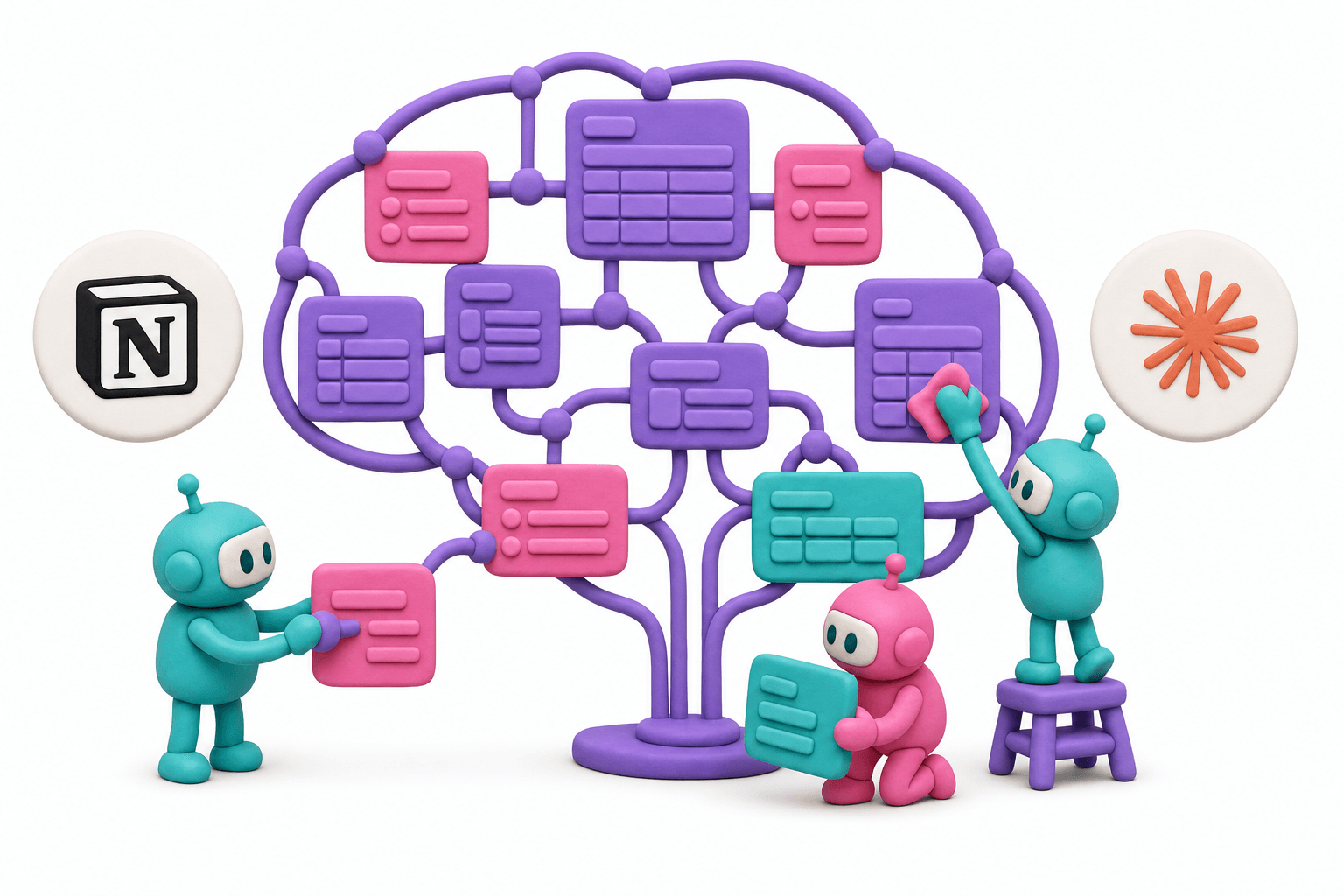
My definition is simple: a Company Brain is a map for agents. It tells them where the right data lives so they can do the task you gave them.
This matters whether your agent is proactive or not. The same is true when you call Claude Code, Cursor or Codex yourself to review a pull request, prototype something or write a launch brief. If the context your prompt runs on is not structured, you will not hit the mark.
Here is the problem in practice. Say you are a PM with a user test on Thursday and you want a brief on that person first. Their usage data sits in Amplitude. The sales call transcript sits in Granola. The slides shown during the sales process are somewhere else, and the contact properties live in HubSpot. Nothing links these together, so no agent knows where to look.
A Company Brain maps one object (here, a user) to everything known about it, wherever it lives.
Rather watch than read? This clip covers the idea:
Why this is different from the old "single source of truth"
We all tried to build a single source of truth before AI, and it was hard to maintain because it relied on manual work. After every prospect meeting you had to write the report and file it so colleagues could find it. Nobody keeps that up.
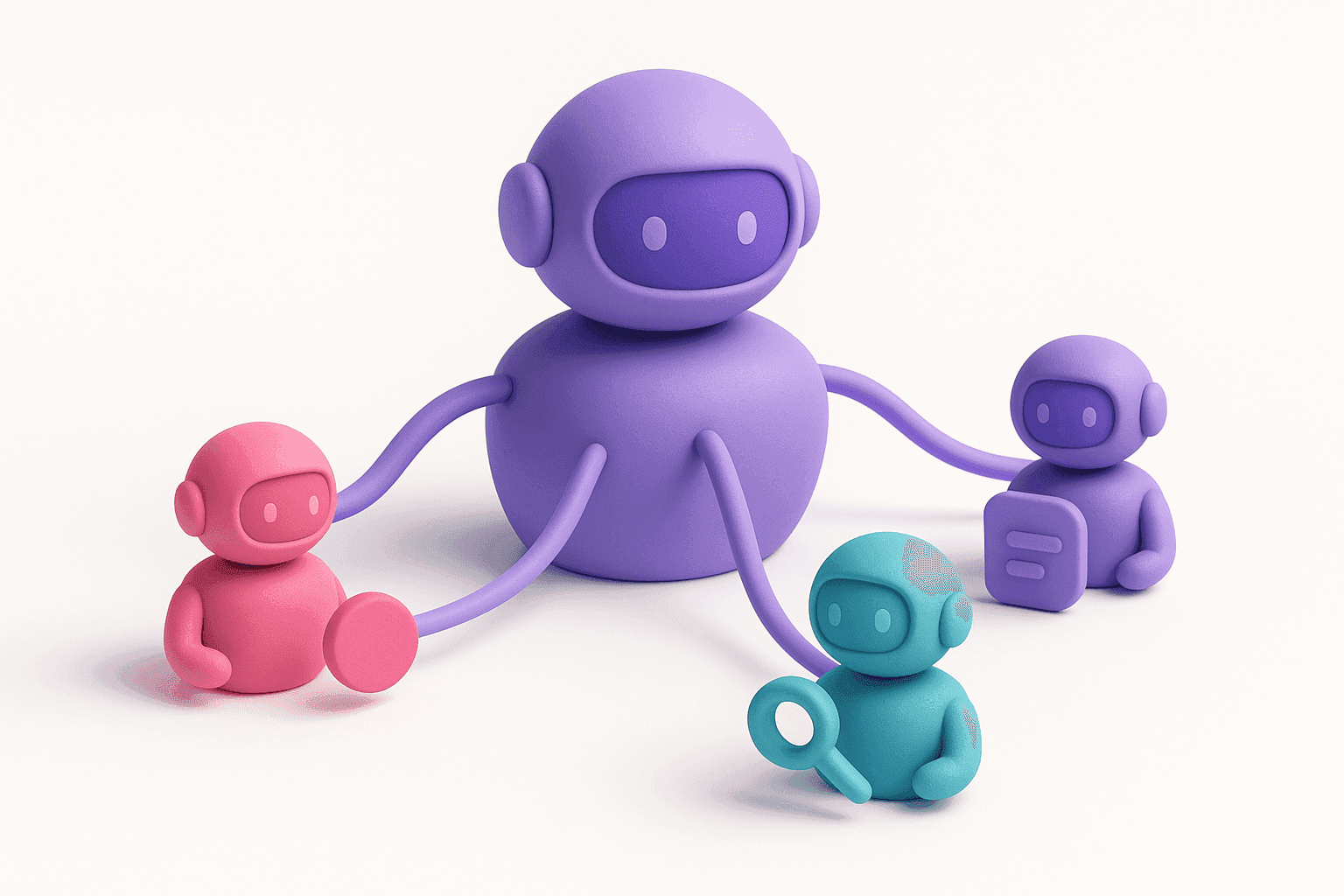
The new reality is that agents maintain the map. That is why a Company Brain has two parts:
- The map: your business objects, stored as linked databases.
- The agents: autonomous agents whose only job is to keep the map up to date as new data comes in.
The infrastructure: your business objects as linked databases
The first block is the objects your business runs on. Some are common to any company: deals, customers, features, releases, interviews, invoices, expenses, campaigns, decisions. Others are specific to you. In my case they are courses, events, sessions and cohorts.
You do not need to centralize all the data. You need the objects, their relationships, and links to the tools where the details live.
Under the hood: my Teaching OS
I did not show my entire Company Brain in the lesson, only the part that matters most: what I call the Teaching OS. It is a Notion page built around one main object, the session. Everything I do on Maven is a session, whether it belongs to a Lightning Lesson or to a cohort of a course.
| Object | What it holds |
|---|---|
| Sessions | The core object, viewed as a calendar of the coming month |
| Courses | Includes the link to the landing page |
| Cohorts | Start and end dates, linked to their course |
| Lightning Lessons | The free live lessons I run |
| Resources | The doc of resources for each session |
| Registrants | One row per registrant per Lightning Lesson |
| People | A CRM of everyone registered to at least one Lightning Lesson |
| Session feedback | A report of what went well and what could improve |
The distinction between Registrants and People matters. One person can register to several lessons, so I keep one row per registration and one row per human.
Zoom in on a single session and you see the map at work. It links to its cohort (which links to its course and landing page), to the Tally quiz students receive afterwards, to the Zoom recording and transcript, to the Figma slides and to the Notion doc of resources.
Here is the tour of that setup:
Want help building your own Company Brain?
Let me help. I set it up with you, on your own Notion.
Agents that maintain the map vs agents that act from the map
I run two families of agents, and the difference is worth understanding.
Agents that maintain the map. I have three today:
- Weekly resources: runs every Friday at 5pm and checks that every session of the week has its slides link, resources link and recording link. The recording arrives a few hours after a session, which is exactly the kind of gap an agent is good at catching.
- Weekly registrants: syncs the registrants of all my lessons and courses, and adds new people to the People database. This one is needed because people keep registering to past Lightning Lessons on Maven, since registering is how they get access to the replay.
- Daily Zoom sync: fills in the recording, attendees, duration and transcript of each session.
Agents that act from the map. These are not part of the Company Brain itself. They do their job well only because the Company Brain exists:
- The reminder emails for my Lightning Lessons. The first draft is generated from the properties linked to the lesson, such as the doc of resources and the survey. I often customize it before sending.
- The Slack messages I post 30 minutes before each course session. The first draft pulls the room link, slides and resources from the session.
- The session feedback reports, generated from the transcripts.
The loop is the point: maintenance agents keep the data true, and action agents are only as good as that data.
Here is how the agents that act from the map behave:
Why Notion for the infrastructure?
A participant asked why Notion rather than something else, which is the right question. I have three reasons:
- Databases and relations are native. Notion started as a no-code tool, closer to Airtable with a front-end on top. Even if the main use case has shifted, the database with relations between databases is still its core feature, and that is what a Company Brain needs.
- It stores both text and links. A card can hold a report or a transcript and also have properties pointing to the third-party tools where the rest lives.
- The MCP is very handy. It lets agents insert and update data easily, and it lets you outsource a lot of the building to Claude.
There is a bonus: Notion is visual. A GitHub repo with folders can work, but it can feel daunting to non-technical teammates. Notion keeps them in.
If you want to compare Notion's own agents with Claude Code scheduled tasks, I break that down in Notion Agents vs Claude Code Routines vs Grok Bot. For Notion's built-in option, see the guide to Notion custom agents.
Claude Code and Notion: how to build your Company Brain, step by step
Step 1: connect the Notion MCP
Start by connecting Notion's MCP to Claude Code. Everything else builds on it.
Step 2: structure your objects with a prompt
You may already know your objects. I did. If you are unsure how to structure them, use the structuring prompt from the resources doc. Paste it into Claude Code or Claude chat. It should ask what your business is about and which operations you want in the brain, then propose your databases.
One honest lesson from the live demo: I ran it from my Vibe Coding Academy project, which has a lot of context, so it tried to update my existing brain instead of asking questions. Run it in a clean project, and consider Plan Mode so it only plans the schema before building anything.
Step 3: build your first agent
Once the map exists, build the agents that maintain it. The pattern is three layers:
- A scheduled task in Claude Code (formerly called a routine) fires on a schedule. It runs in the cloud, so it works even with your computer off, and you get a notification if it errors.
- A manager skill is called by the scheduled task. A skill is know-how stored in a Markdown file. You can invoke it manually by name or let a scheduled task call it.
- Sub-agents do the actual work. Each is an expert on one task, defined in Markdown, running in an isolated context so its work does not bloat the main thread.
My shorthand: the scheduled task is the manager of the manager, the skill is the manager, and the sub-agents execute.
Example: Friday 17:30, sync weekly registrants
Every Friday at 5:30pm the scheduled task calls my weekly registrants skill. The manager then runs three experts in order:
- Maven catalog fetcher: lists the Lightning Lessons from my account that ran in the window.
- Maven signups fetcher: uses the Maven API to fetch the signups of each of those lessons.
- Importer: pushes the registrants into Notion, in the Registrants and People databases.
When I ran it live for the previous week, only one lesson fell in the window and it was already fully imported, so the Company Brain was up to date.
See the manager call its experts:
You can read more on the difference between the two building blocks in the skills guide for product managers.
What you get from it
One payoff is outreach. Because the registrants agent runs weekly, I can spot people who joined more than one Lightning Lesson. They clearly like my content and my way of teaching, so they are good candidates to contact about an upcoming course.
My view: I do not see how you can run autonomous agents on your business, or even on your personal tasks, without structured data and proper infrastructure underneath.
FAQ
Skill or sub-agent, what is the difference? A skill is a know-how file, and it acts as the manager that orchestrates the work. A sub-agent is an expert that executes one specific task in an isolated context.
Can I connect a newsletter tool? Yes. I have an MCP connected to Beehiiv, where I run my newsletter and segments. I rarely build automations there, since I already email my audience weekly and through Maven.
Want help building your own Company Brain?
Let me help. I set it up with you, on your own Notion.